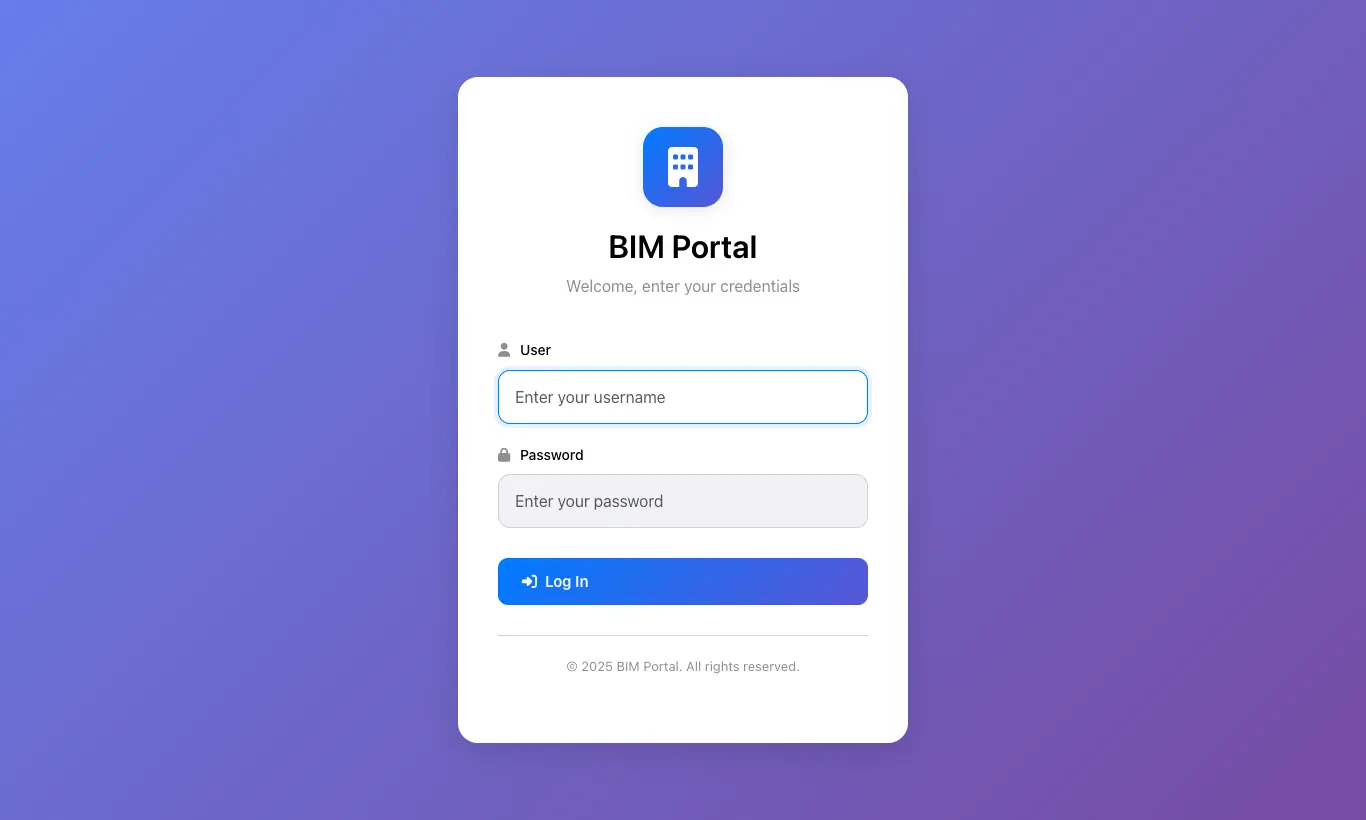
Where BIM Portal (address /portal/bim/login of your Odoo)
Before you start
BIM Portal enabled on the contact. The contact must be the Customer of the project.
Steps
- Home: four indicators: open tickets, documents pending approval, unpaid invoices and approved budgets.
- Projects: the projects where they are Customer. When they open one they see its history and can Send Comment, which arrives in the project history in Odoo.
- Tickets: with New Ticket they choose the project, the category, type the subject and description and can attach a file.
- Documents: download, Approve or Reject each pending document and upload their own with New Document (project, code, description and file); the ones they upload are shared.
- Budgets: view each budget with its attachments and click Approve Budget or Reject Budget.
- Invoices: download the PDF of their posted sales invoices and upload the proof of payment with a note.
- My Profile: change their contact details and their password (minimum 6 characters).
Warning
They only see the documents of their projects that have Share enabled. Disable it on the ones they must not see.
Draft invoices do not appear until they are posted.
A project where the contact is not listed as Customer does not appear in the portal, nor do its documents or budgets.
Site note
The proof of payment is saved as an attachment on the invoice and leaves the message “Proof of payment uploaded from the portal by …” in its history.
For the customer to be able to download a budget's PDF, attach it in the budget's history.