Where BIM › Execution › Tickets › Categories
Steps
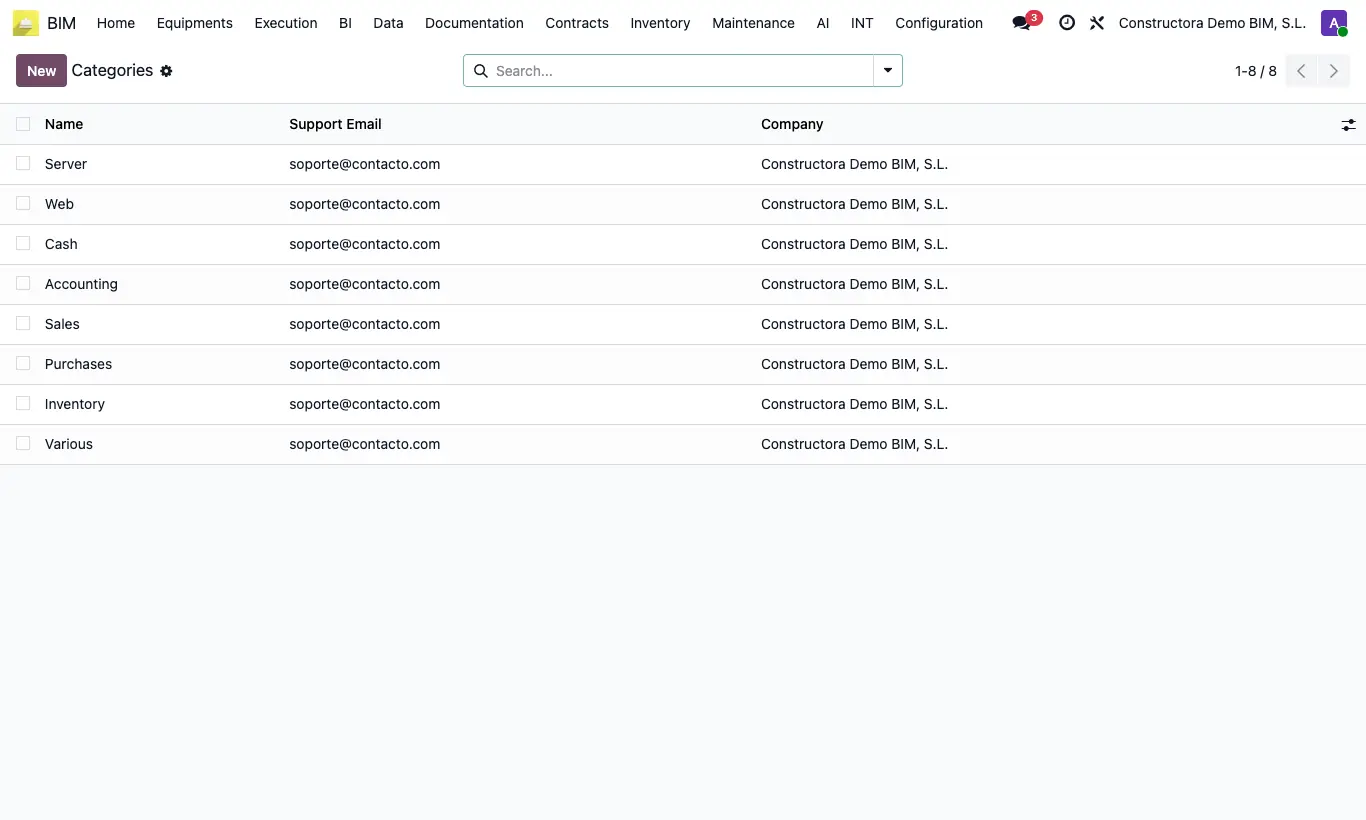
- Go to BIM › Execution › Tickets › Categories.
- Review the categories that come by default and click New to add your own.
- Enter the Name and, if you want, the owner's Support Email.
- Save.
Site note
The customer chooses the category when opening a ticket from the portal.
Tickets that arrive through a web form (campaign) are created with the first category in the list.