Steps
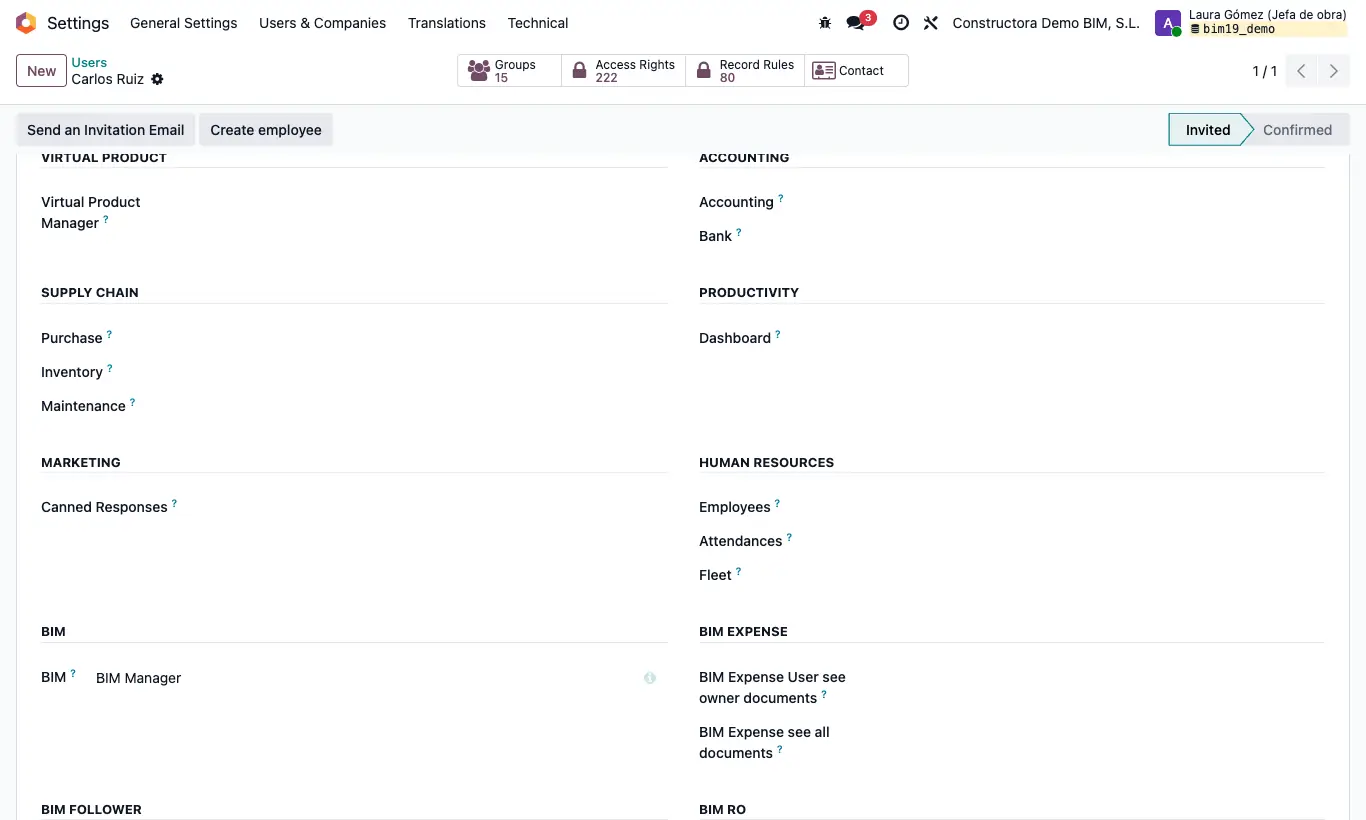
- Check the profile: open their form, Access Rights tab, and review the BIM and BIM EXTRA sections (below you have which profile opens each thing).
- If they do not see a project or a budget: with BIM User see owner documents they only see the projects where they are Supervisor (or with no supervisor) and what hangs from them.
- Check the company: in the company selector in the top bar, the companies of those documents must be ticked.
- Check the status of the project or the budget: without Allow Certification you cannot certify, with Lock Budget items cannot be touched and without Create Purchase Orders orders are not confirmed.
- Check the Bim 2.0 settings: for example, the chapter certification button only appears with Certificate Chapters active.
- Ask them to reload the page or log out and back in.
Warning
“You do not have permission to delete projects” when deleting a project means BIM Delete is missing.
Site note
BIM › Config: BIM Manager. BI: BI User or BI Admin. AI: IA. INT: BIM Integrations. Maintenance: BIM Maintenance. BIM › Inventory: Odoo Inventory.
Certification buttons: BIM Certification. Validate and Load Amount of the payment status: BIM Paidstate. Generate Invoice: Invoicing.
The Project Cost and Limits tabs and the project's Output button: Bim Costs or BIM Manager.
In the CRM, the BIM buttons do not appear on leads: convert it into an opportunity.
If the followers module is installed and they have Bim Only Follower, they only see the projects they follow or have created.