Where BIM › Documentation › Customer Evaluation › Customer Survey
Steps
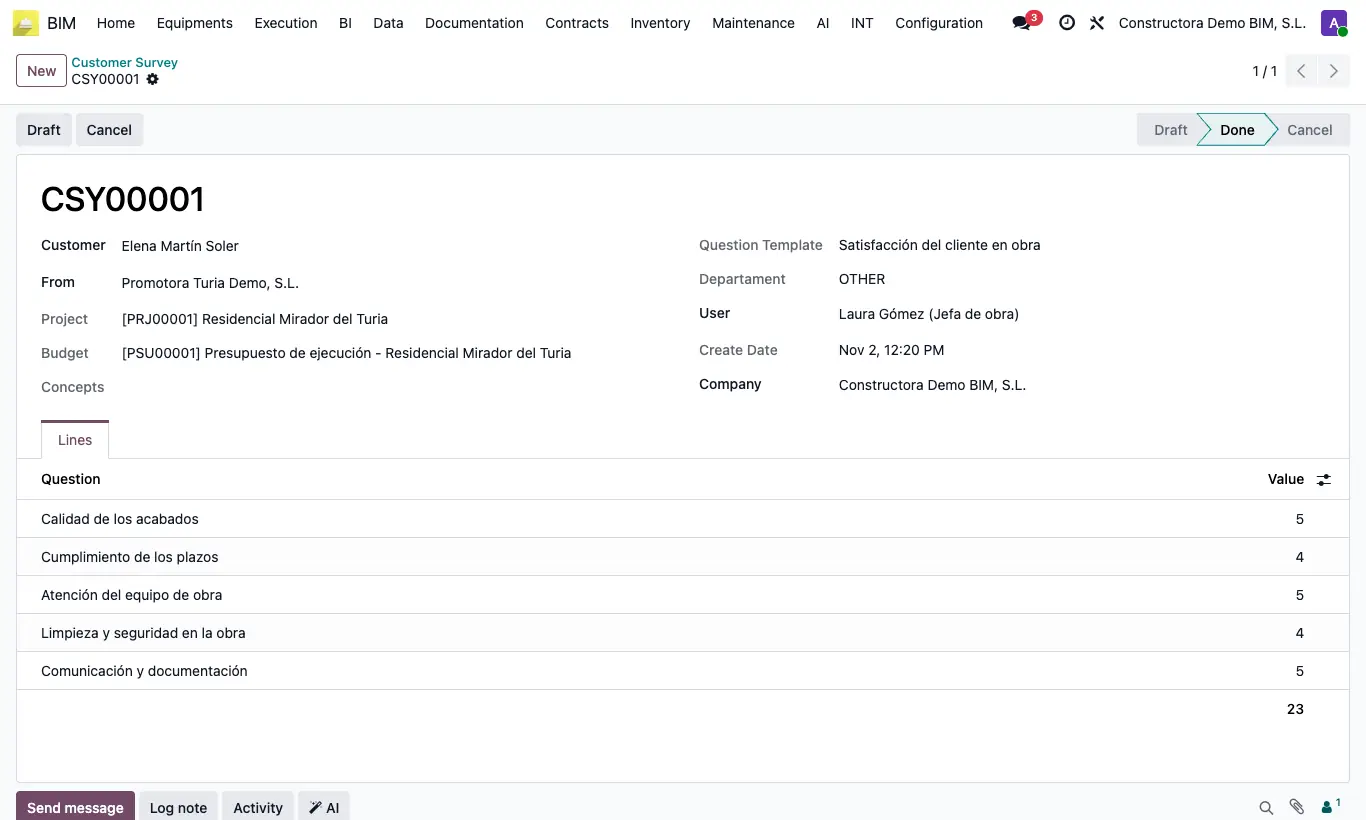
- Go to BIM › Documentation › Customer Evaluation › Customer Survey and click New.
- Enter the Customer (person) and, in From, their company.
- Choose the Question Template: its questions and the project, budget and item are loaded.
- Check the Departament.
- In the Lines tab enter the Value for each question.
- Click Done. If you make a mistake, click Draft to correct it, or Cancel to void it.
Warning
Changing the Question Template deletes the lines you already had and loads the new ones.
The Value cannot exceed the question's Long or be negative: you will get "The value cannot be greater than the length of the question".
Outside Draft the lines, the template and the project are locked.
Surveys cannot be deleted from the list; void the wrong ones with Cancel.