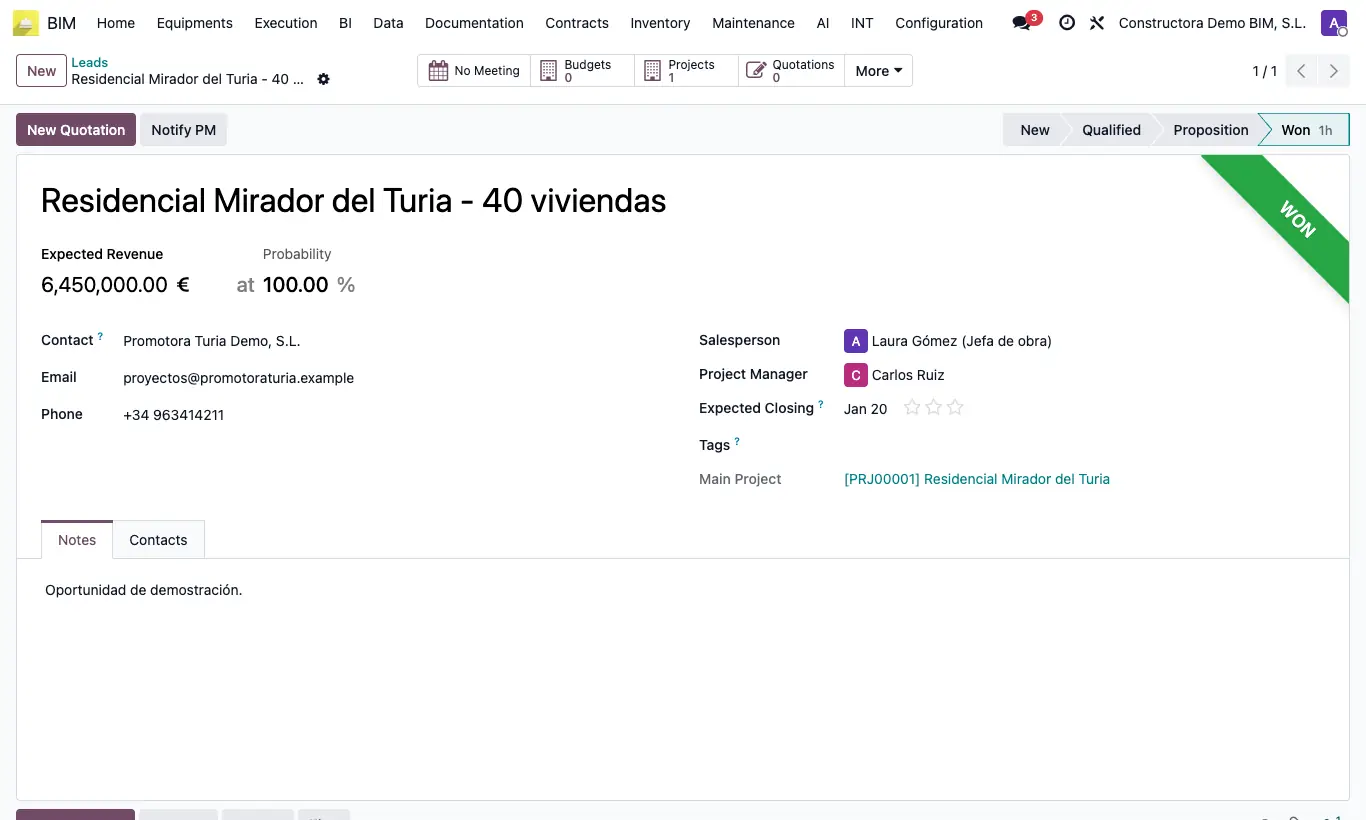
Where CRM › Opportunity › Budgets button
Steps
- Open the opportunity.
- Click the Budgets smart button.
- Click New. The budget inherits the opportunity's name, contact, currency and main project.
- Enter the start and end dates and the calculation type, then continue as with any budget.
Site note
Create the project from the opportunity first: the budget is then linked to it automatically.
The button counter shows how many budgets the opportunity has.