Where BIM › Maintenance › Home › Work Request
Before you start
BIM Maintenance profile.
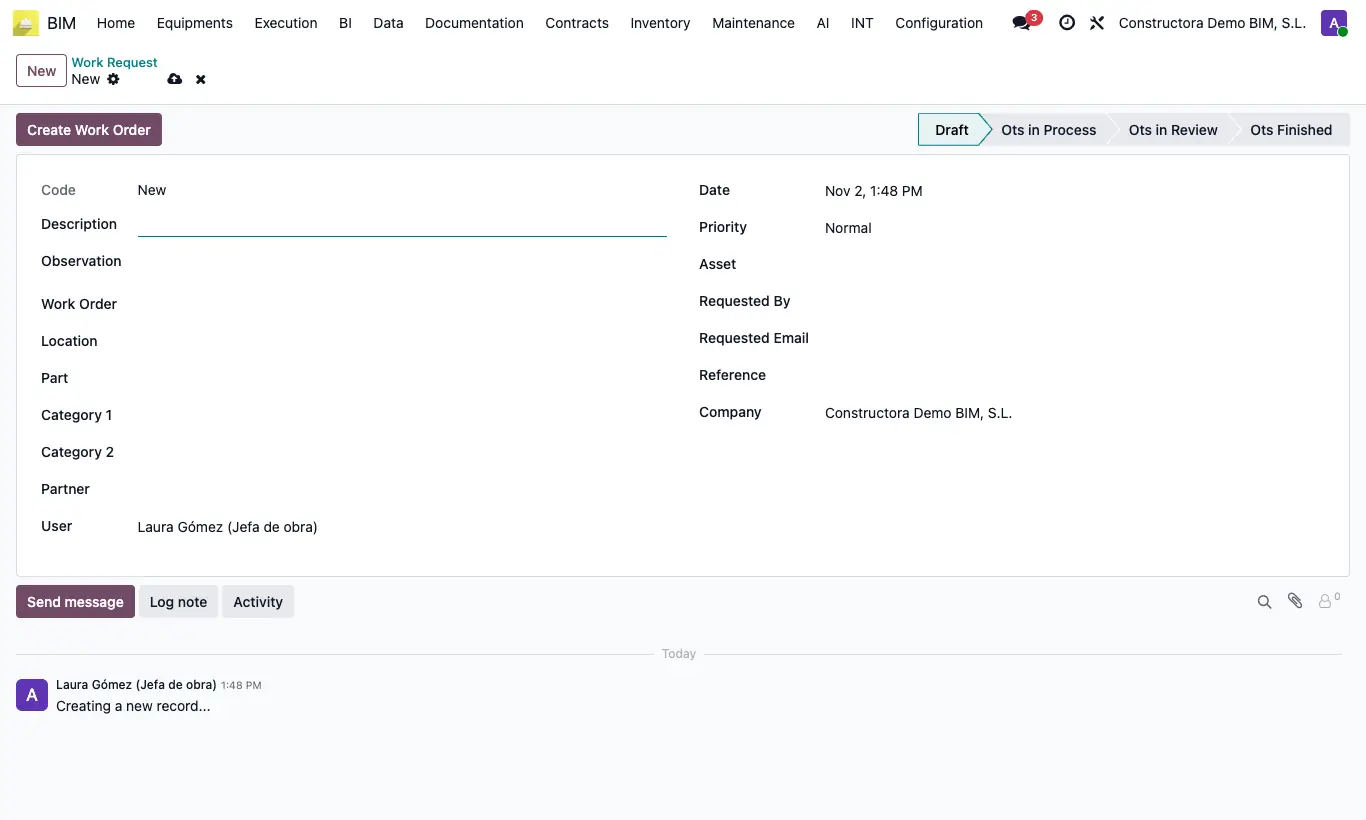
Steps
- Click New and enter the Description and the Observation.
- Say who is reporting it: Requested By, Requested Email, Reference and Customer.
- Locate the problem: Location, Part, Asset and the Priority.
- Click Create Work Order: the work order is created with the description, the asset, the categories and the priority.
- Move the request through the states with the bar: Ots in Process, Ots in Review, Ots Finished.
Warning
The work order needs a task type: create at least one in Maintenance › Data › Types of Tasks before clicking Create Work Order.