Where BIM › SAT › Budgets
Before you start
BIM SAT profile.
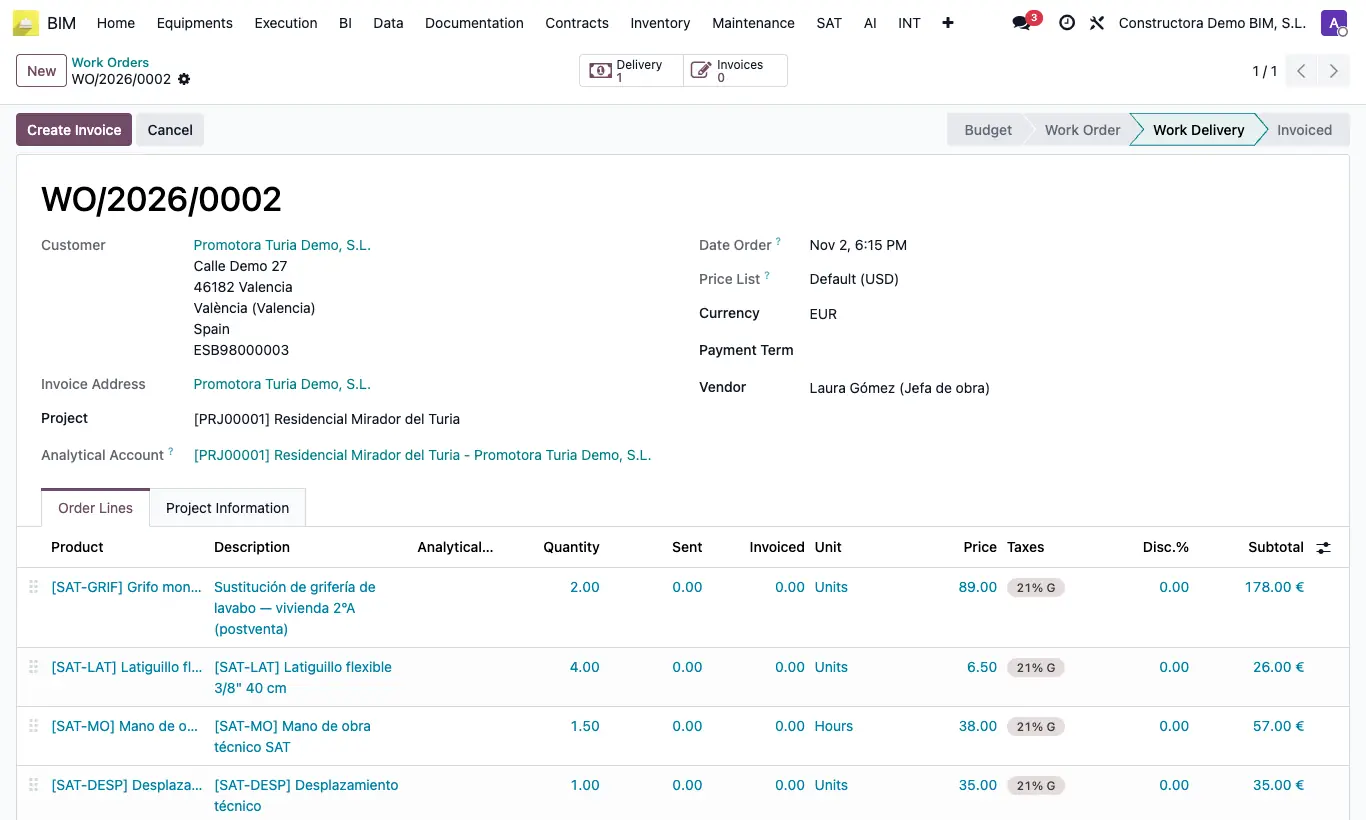
Steps
- Open the accepted quote in BIM › SAT › Budgets.
- Review the lines: once the work is delivered they can no longer be changed.
- Click Confirm: it becomes a Work Order, the Date Order takes the current date and time, and the customer becomes a follower.
- From now on you will find it in BIM › SAT › Work Orders.
Warning
A Work Order has no Cancel button: it can only be cancelled in Budget or after the Work Delivery.