Where BIM › Inventory › Budget Exit
Before you start
Inventory user profile.
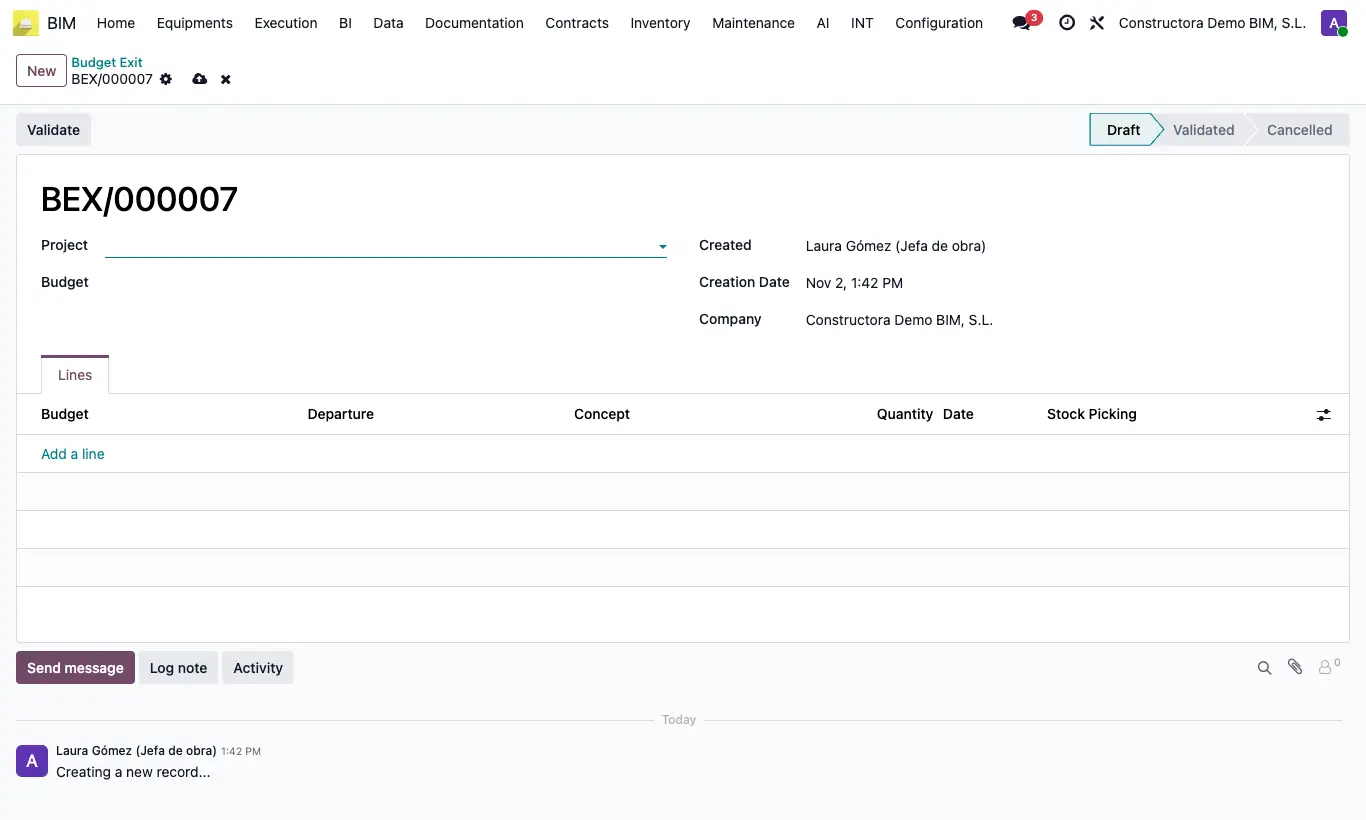
Steps
- Go to Inventory › Budget Exit and click New.
- Choose the Project and the Budget.
- In Lines, for each exit add the Departure, the Concept (resource), the Quantity and the Date.
- Click Validate: for each line an outgoing delivery note is created and validated from the project warehouse, charged to the item.
- Each line shows its Stock Picking.
Warning
Moving back to To Draft returns the material: each validated delivery note receives a validated return that restores the stock in the project warehouse, and neither of the two counts in BIM any more. Delivery notes not yet validated are cancelled.
Site note
If the project has no warehouse, one is created on validation.
The cost of the exit is the resource's price in the budget.