Where BIM › Documentation › Progress of work
Before you start
BIM Portal Customer Odoo module installed.
Steps
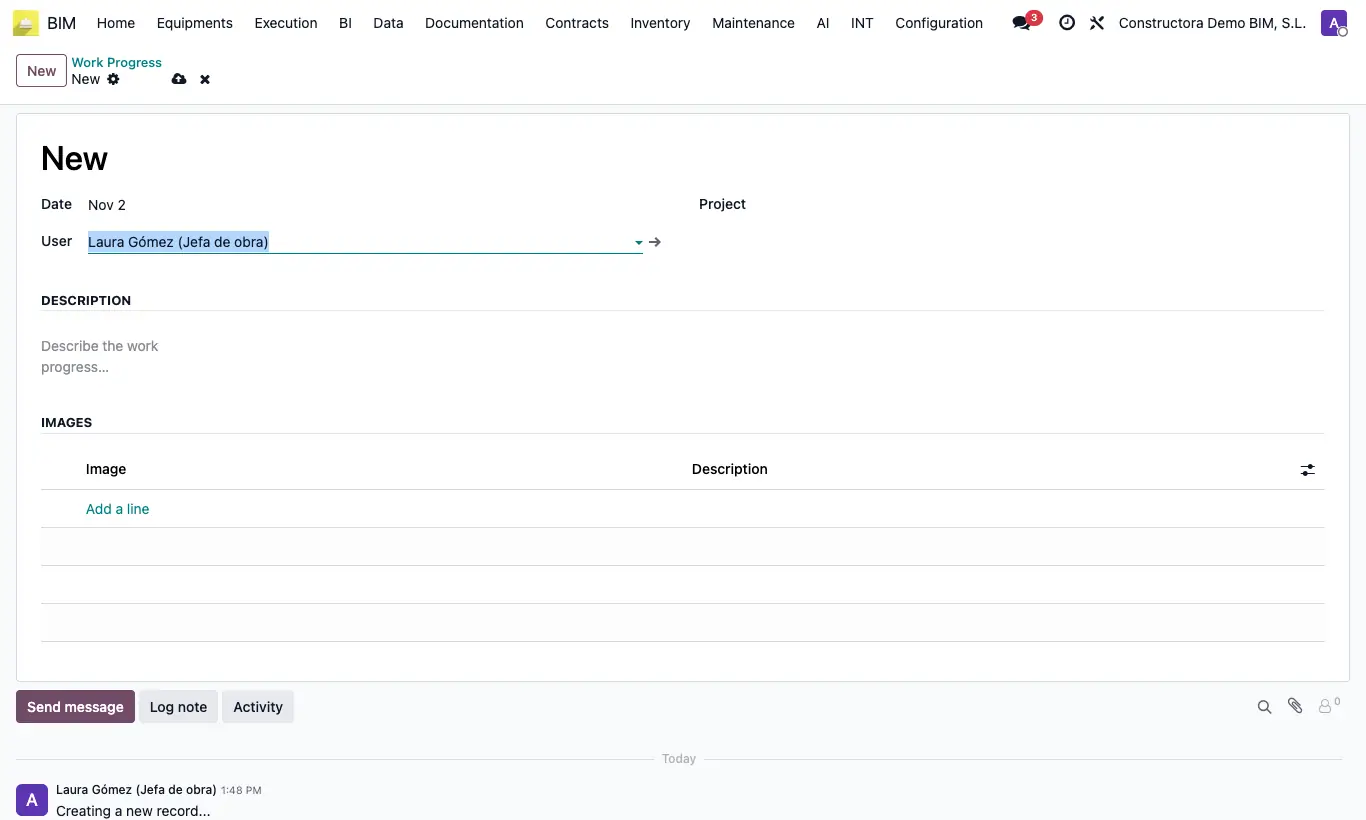
- Open the project and click the Progress Catalog button, or go to BIM › Documentation › Progress of work and click New.
- Check the Date, the User and the Project.
- In Description write what has been done since the last visit.
- In Images add one line per photo, upload it and write its description. Drag them to order them.
- Save: the customer will see it in the portal app, under Progress.
- The comments the customer writes appear in the progress history.
Warning
It is seen by contacts with the Is Customer role who are the project's Customer, are in Customers or are its Contact or its Supervisor (Portal).
Site note
You can also find it in BIM › Home › Progress Catalog.
Photos are reduced to a maximum of 1920 pixels when saved.