Before you start
BIM Portal activated for the customer.
Steps
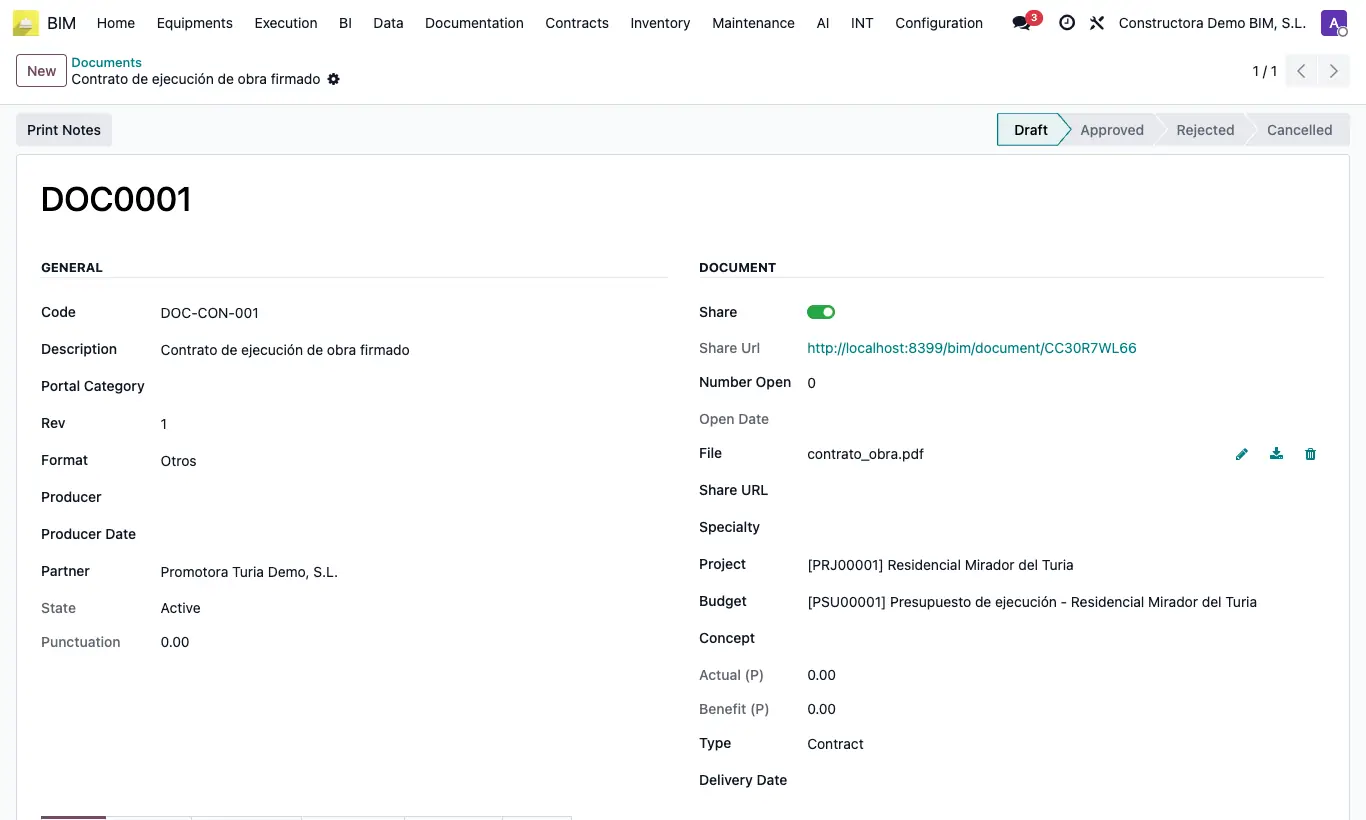
- Open or create the document in BIM › Documentation › Document › Document and choose the customer's Project.
- Check that its Costumer State (status bar at the top) is in Draft.
- Notify the customer: in the portal, Documents menu, they will see the Approve and Reject buttons.
- For a budget, leave Costumer State in Draft: the customer will see Approve Budget and Reject Budget in the Budgets menu.
- When they respond, the Costumer State changes to Approved or Rejected and the change is recorded in the history.
Warning
The customer can only respond once: once approved or rejected, they no longer see the buttons.
On the document record the Costumer State bar cannot be clicked. If you need to request a new approval, create a new document with the next Rev.