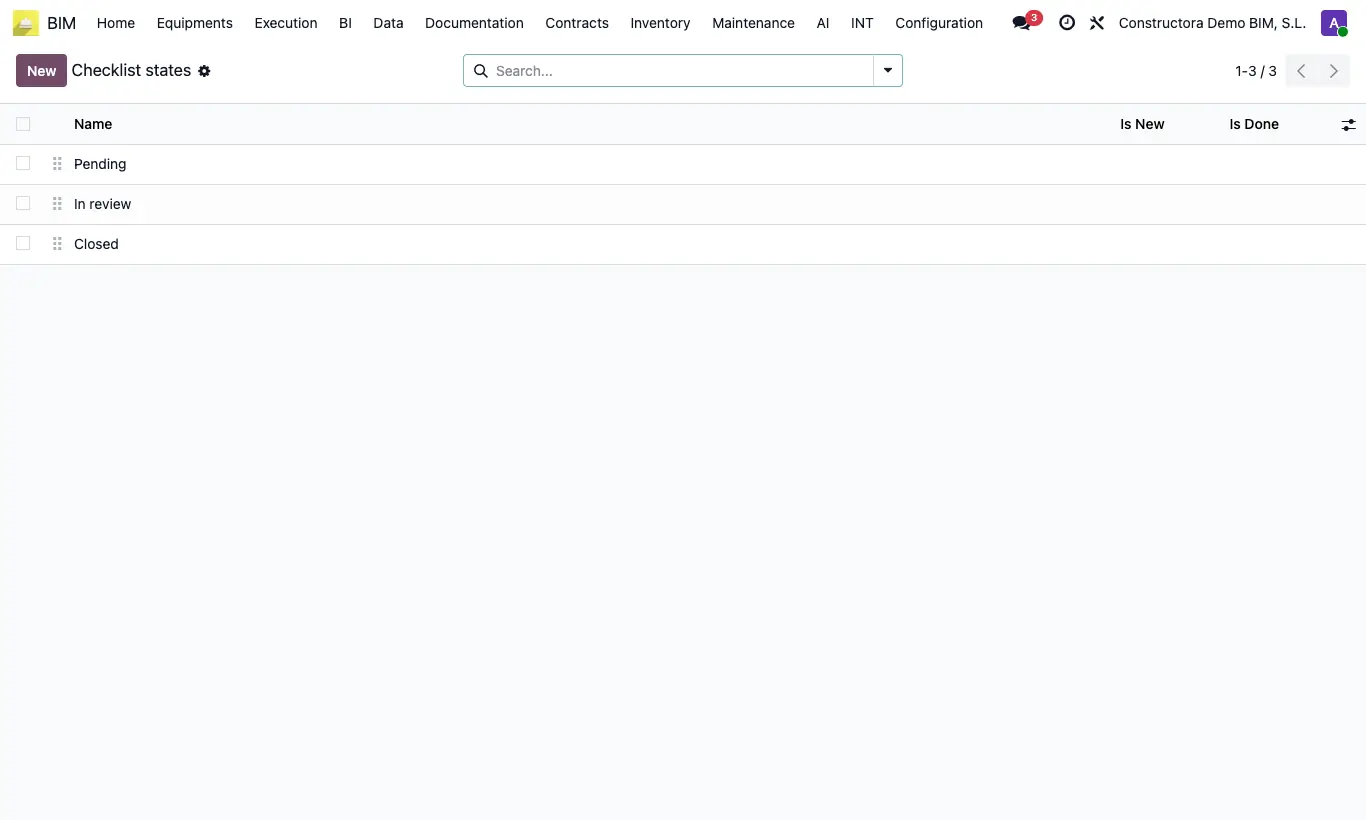
Where BIM › Config › States › Checklist States
Before you start
BIM Manager profile.
Steps
- Go to BIM › Config › States › Checklist States and click New.
- Enter the state Name (for example, Pending, Reviewed, Approved).
- If only certain people can move a list to that state, add them in Users.
- Tick Notify if you want those users to receive an email when a list reaches that state.
- Sort the states in the list by dragging them: the first is the one new lists will have.
Warning
Create the states before the first list: a list created without states is left with no state.
If a state has Users, anyone else who tries to set it will see the error “Only users … can move the current checklist to state …”.
With Notify ticked the Users field is required, and only those with an email on their contact receive the message.