Where BIM › Documentation › Customer Evaluation › Customer Question
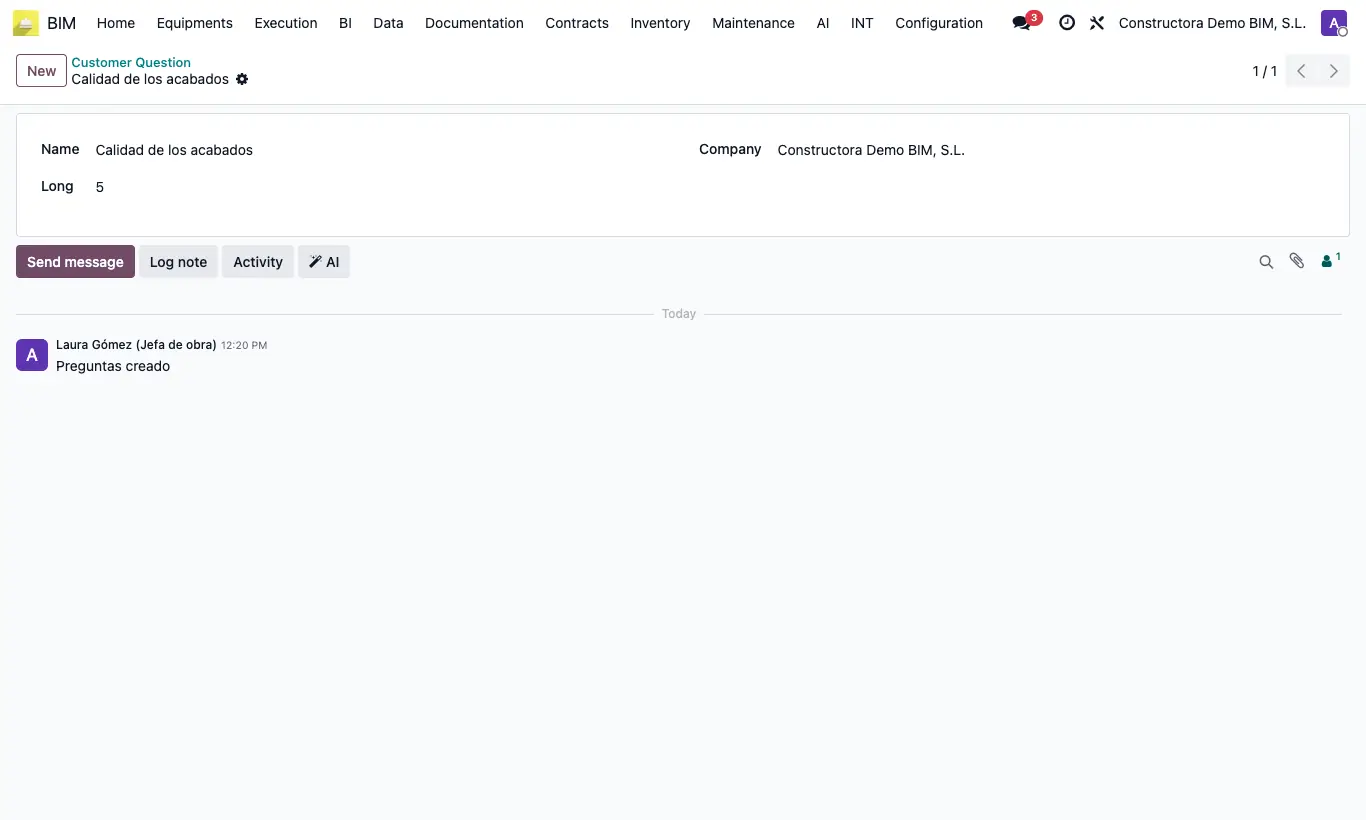
Steps
- Go to BIM › Documentation › Customer Evaluation › Customer Question and click New.
- Write the question in Name (for example, "How do you rate the cleanliness of the site?").
- In Long enter the maximum score: with 5 the customer will choose between 1, 2, 3, 4 and 5.
- For a Yes / No question set Long = 1: the customer will see "Yes" and "No" (Yes counts 1, No counts 0).
- Save. The same question can be used in as many templates as you like.
Site note
Use the same scale for questions you are going to compare: adding a 5 out of 5 and a 1 out of 1 confuses the results.