Where BIM › Config › General Config › General Config
Before you start
BIM Administrator profile.
Steps
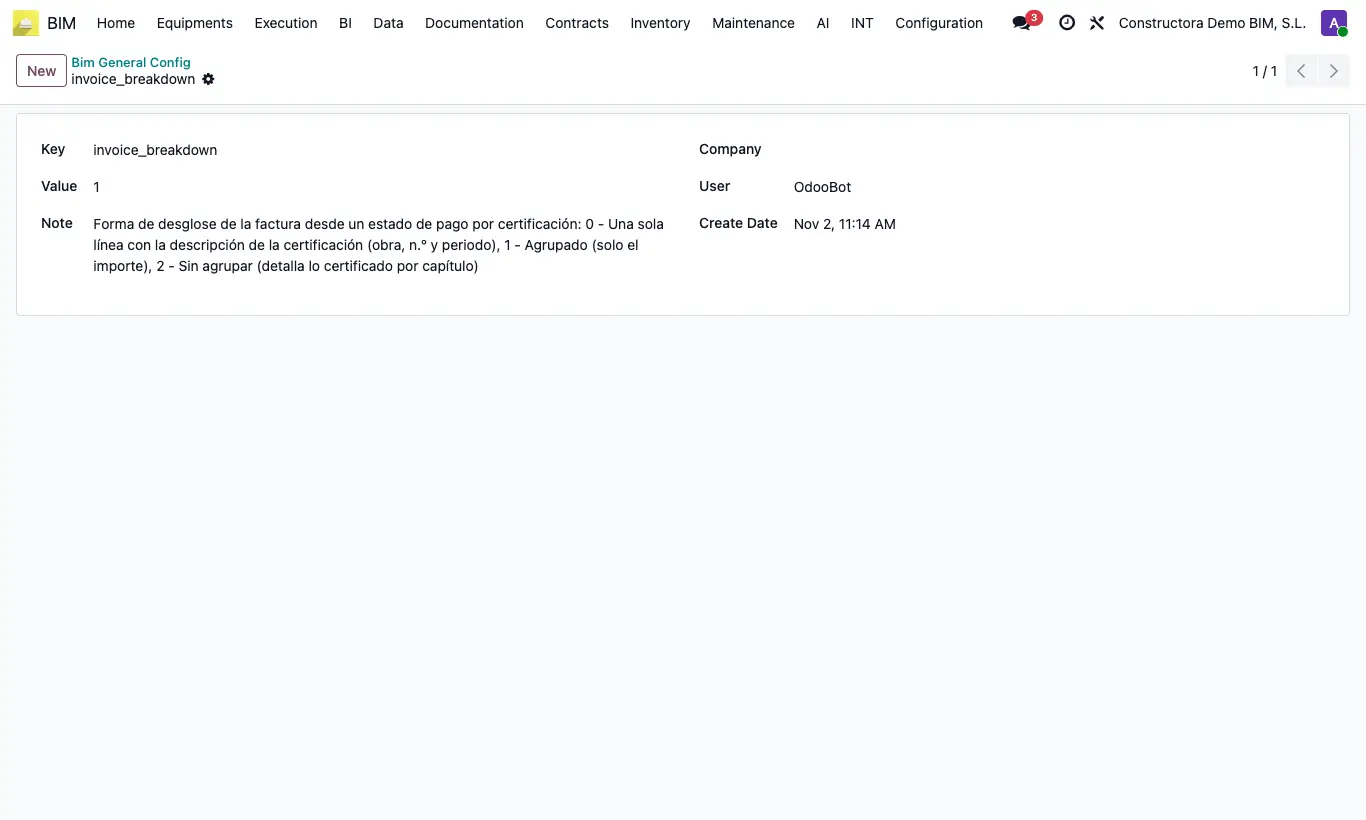
- Go to Config › General Config › General Config and open the invoice_breakdown key.
- In Value type 0: a single line with the project, the certification no. and the period.
- Or 1 (default): one line per budget, with the amount only.
- Or 2: below the amount, a note with what was certified to date per chapter, the items certified in this payment status and what was certified previously.
- Save. It applies to new invoices from payment statuses By Certification.
- To redo an invoice already created, open it in draft and click Update content by cert.
Warning
Update content by cert. only works with the invoice in draft and if it comes from a payment status By Certification; otherwise it warns "La factura debe estar en borrador para actualizar su contenido." or "Esta factura no proviene de un estado de pago por certificación."