Where BIM › Inventory › Budget Exit
Before you start
Inventory profile.
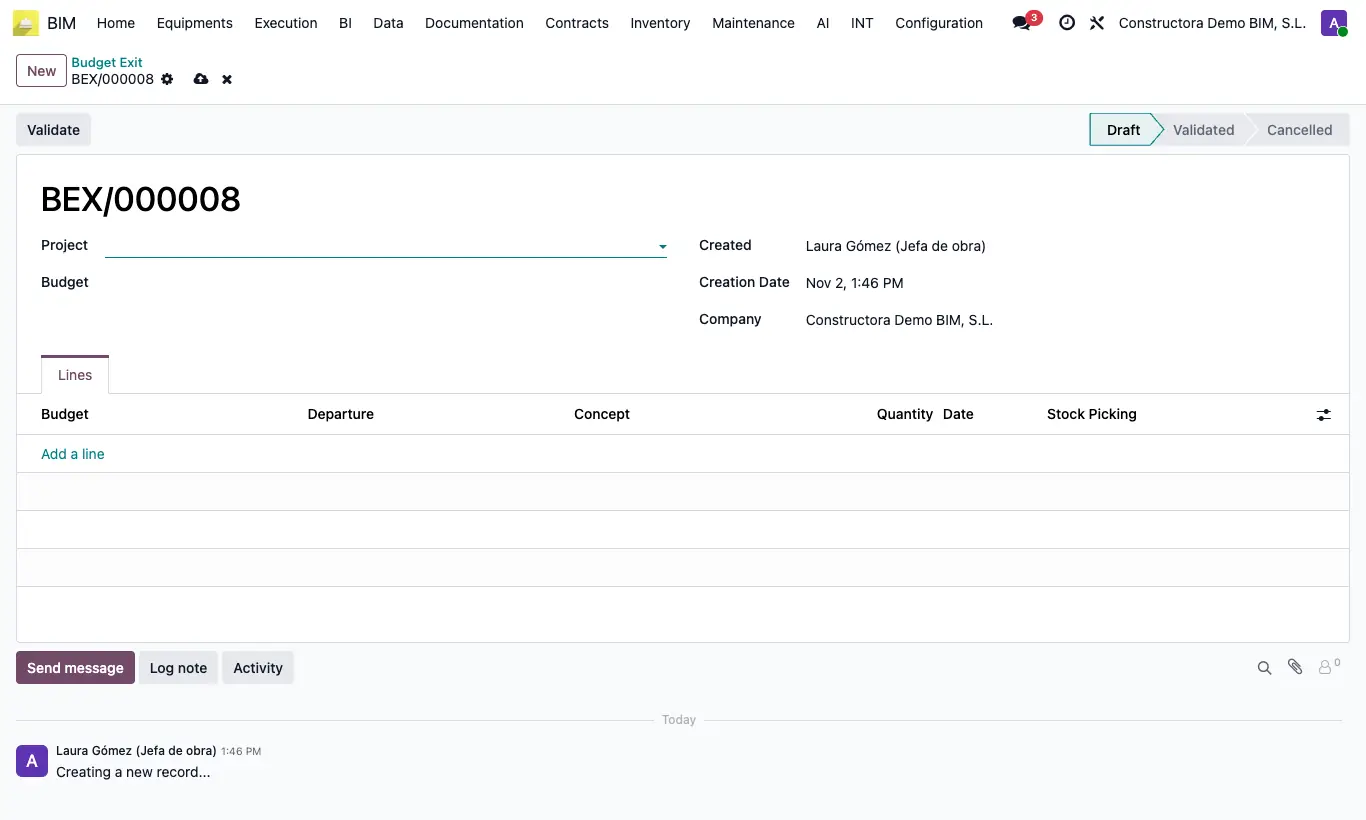
Steps
- Click New and choose the Project and the Budget.
- In Lines, for each use add the Departure, the Concept (only materials of that item), the Quantity and the Date.
- Click Validate.
- An outbound delivery note is created and validated for each line, from the project warehouse, with the project, the budget, the item and Include for BIM.
- Open each Stock Picking from its line if you need to review it.
Warning
The budget state must have Register Material Request ticked; otherwise you get “This transfer cannot be included in BIM if its budget state does not allow material requests”.
If after To Draft you click Validate again, new delivery notes are created: fix the lines first.
Site note
If the project has no warehouse, one is created on validation.
The cost of each outbound is the resource Cost in the budget.
To Draft undoes the outbound: it creates and validates a return for each delivery note, which puts the material back in the project warehouse, and takes both out of BIM.