Where BIM › Data › Employees
Before you start
Education level and Sizes are in Config: BIM Manager profile.
Steps
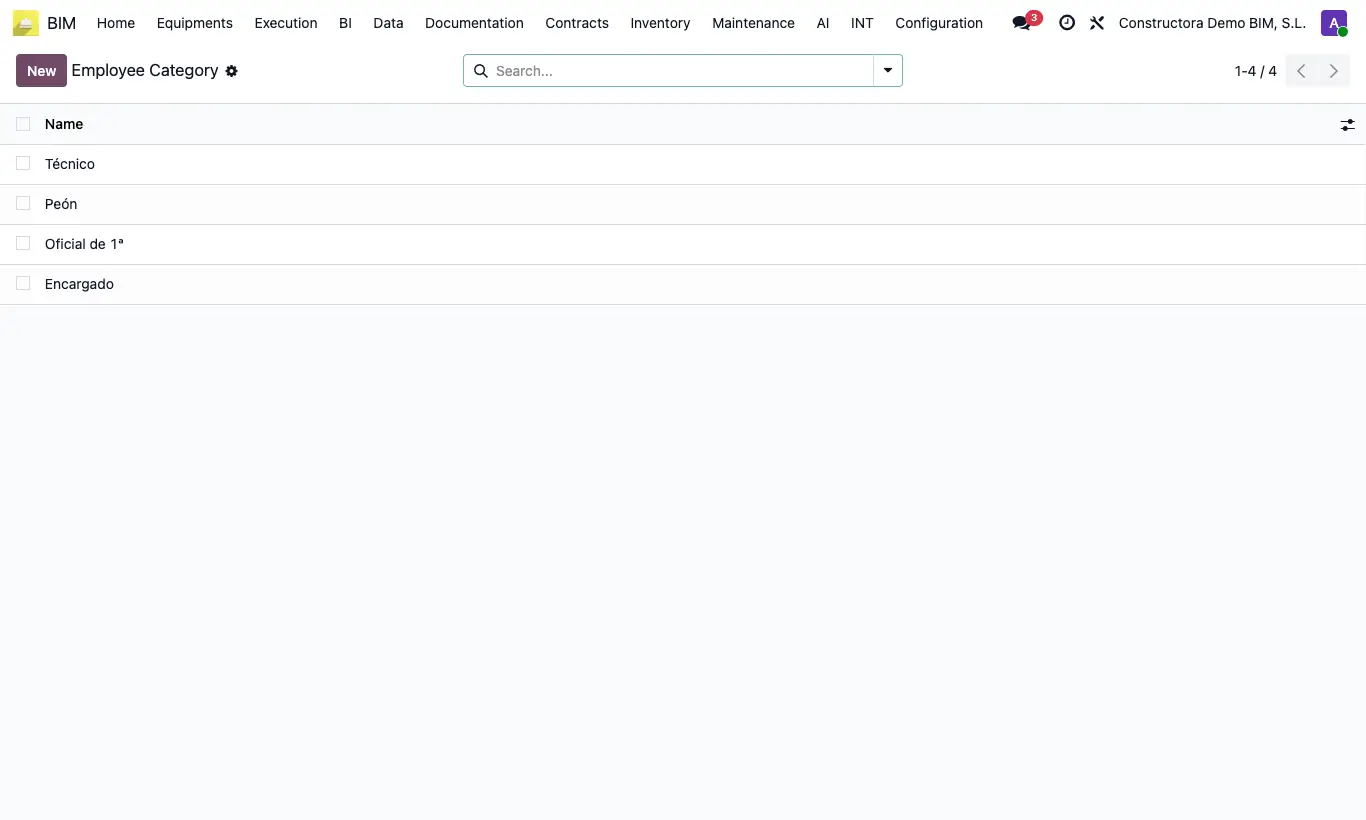
- Go to Data › Employees and create, each with its Name: Employee Areas, Employee Disciplines, Employee shifts, Employee Locations, Employee Categories, Employee Specialties and Employee Bim Payroll.
- In Cause Lost Hour create the reasons for unproductive hours (rain, lack of material…).
- In Bi Weeks create each period with Code, Date From and Date To. The code can be a number or text (for example, 2026-01).
- In Config › Employee › Hr level study create the levels.
- In Config › PPE › Hr size create each size with its Type (shirt, trousers, shoes, jacket…).
Site note
Area and discipline are set on the crew; shift and location, on the crew and on the employee; category, specialty and payroll, on the employee. All are copied to the report lines when moving it to Loaded.
The bi-week is looked up by the report date and its code is copied to the Bi Week column of the lines.