Where BIM › Documentation › Document Categories
Before you start
BIM Portal Customer Odoo module installed.
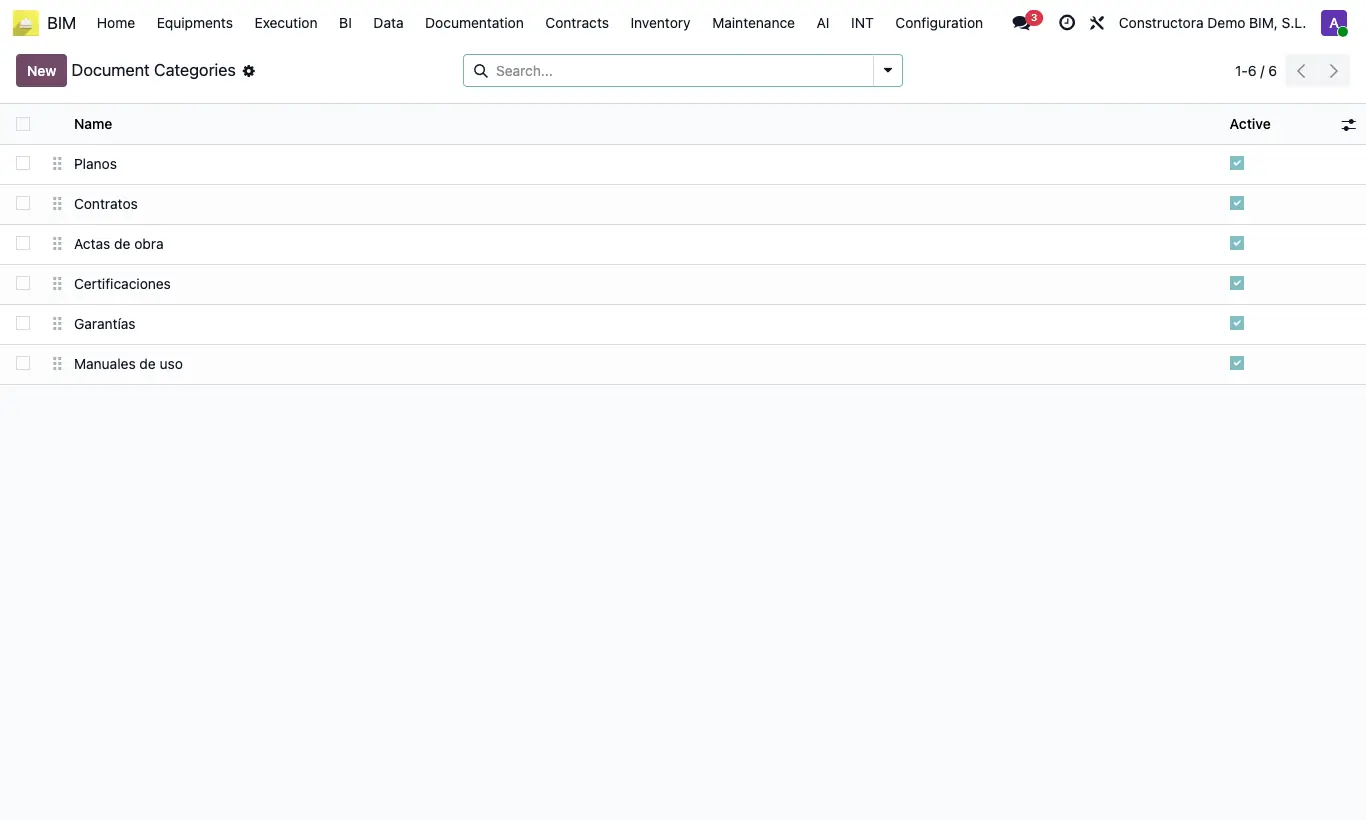
Steps
- Go to BIM › Documentation › Document Categories.
- Add one line per category (Drawings, Contracts, Minutes, Warranties…) and enter its Name.
- Drag them to set the order and untick Active on those you no longer use.
- On each document, choose its Portal Category.
Site note
Documents without a category appear in the portal as "Uncategorized".