Where Budget › Update button
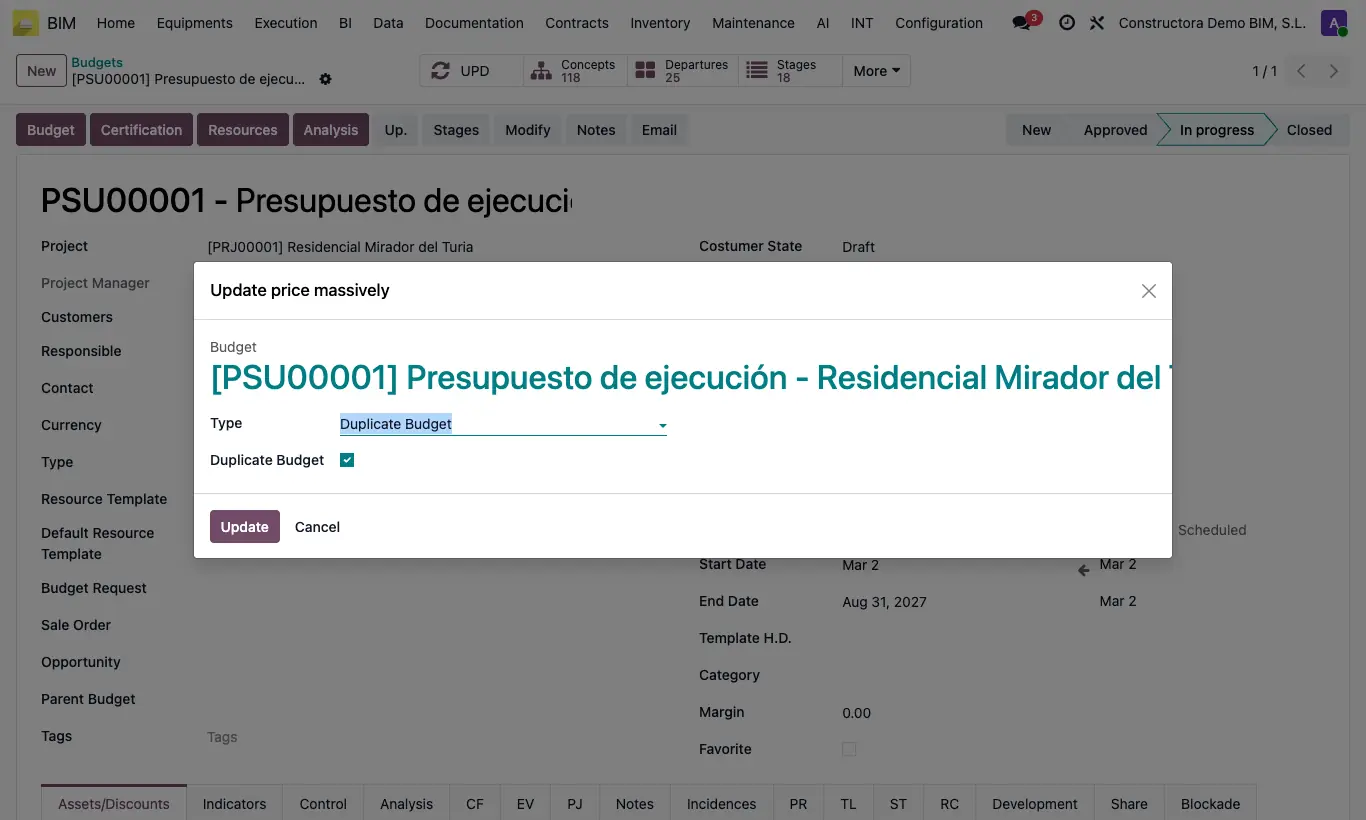
Steps
- Open the budget and click Up..
- To replace: choose Change Product in Budget, enter Product to Replace and New Product. The resource takes the cost of the new product.
- To add: choose Add Products to Budget, enter the New Product and the Quant per item unit.
- To remove: choose Delete Products in Budget and enter the Products.
- If it only affects some items, select them in Departures; if you leave it empty, it applies to all of them.
- Click Update and then UPD.
Warning
Removing products does not ask for confirmation. Check Duplicate Budget if you are not sure.
Site note
To change the quantity of a specific resource in all items with the same code, use Update Resources in Departures: choose Which Departure and Which Resource, and type the total New Quantity or the New Percent.
In the budget's TL tab, Delete concept removes all the resources that use a product.