Where BIM › Config › States › Budget states
Before you start
BIM Administrator profile (statuses) and BIM Lock (certification cap).
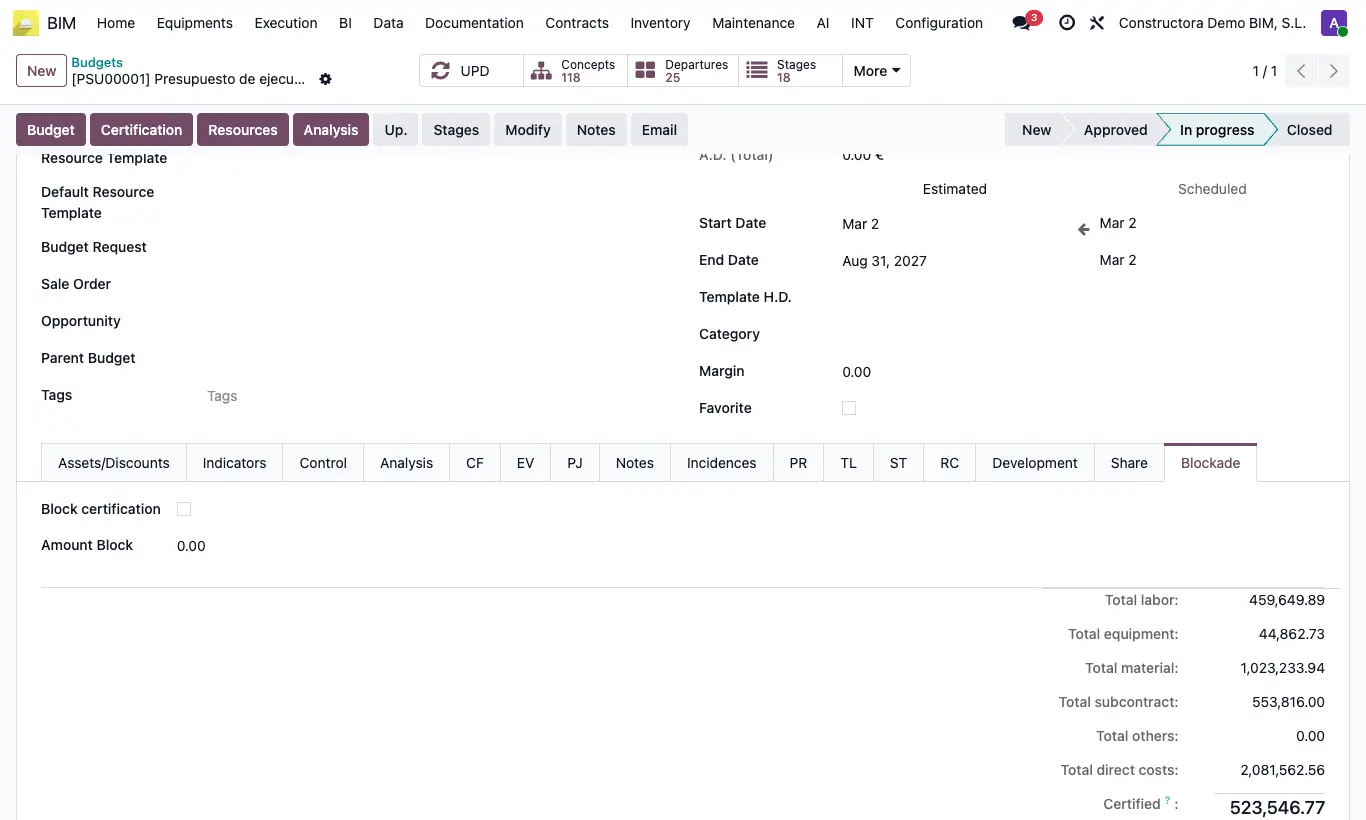
Steps
- Go to Config › States › Budget states and open the status that should freeze the budget (for example "Approved").
- Check Lock Budget and save.
- Put the budget in that status with the status bar in its header.
- To limit certification, open the budget, Blockade tab, and check Block certification: Amount Block takes the total of direct costs; change it if you want another cap.
Warning
With the status locked, any action that creates, modifies or deletes concepts (tree, imports, assistants) stops with "¡No se permite crear, modificar ni eliminar conceptos en un presupuesto en estado …!". To change anything, go back to an unlocked status.
The cap is checked when you Validate a certification from the Home › Certifications › Certifications menu: if the amount to date exceeds it, it does not let you validate.