Where BIM › Config › Update › Update
Before you start
BIM Manager profile.
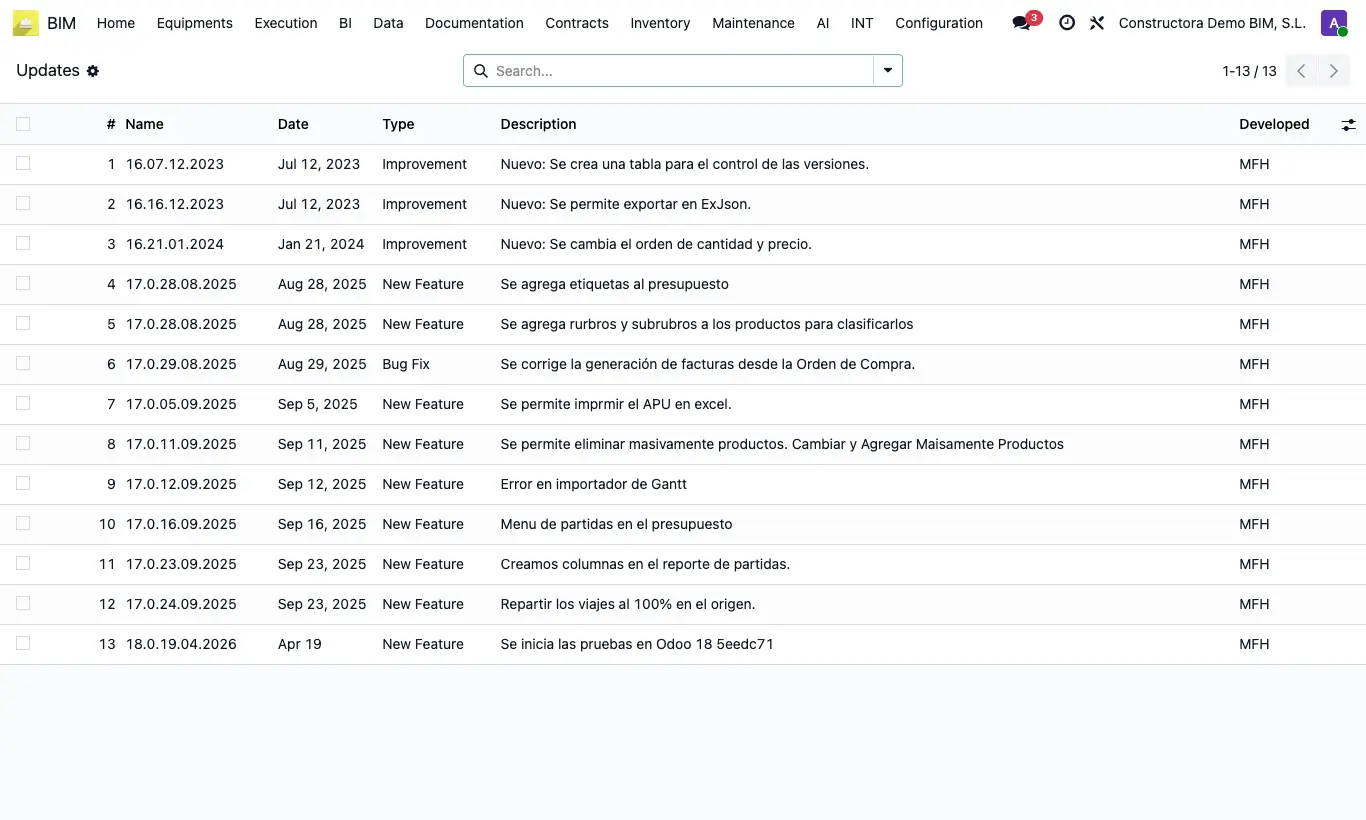
Steps
- Go to Config › Update › Update.
- Each line is a change: Name (the version), Date, Type (Bug Fix, Improvement or New Feature), Description and Developed.
- Use the search box or group by Type to find a specific new feature.
Site note
The list is view-only: it is filled in when the module is updated and cannot be edited.