Where BIM › Equipment › Bim Tool Use
Before you start
A product with Tool ticked and its cost. To choose a budget, its state must have Register tool costs.
Steps
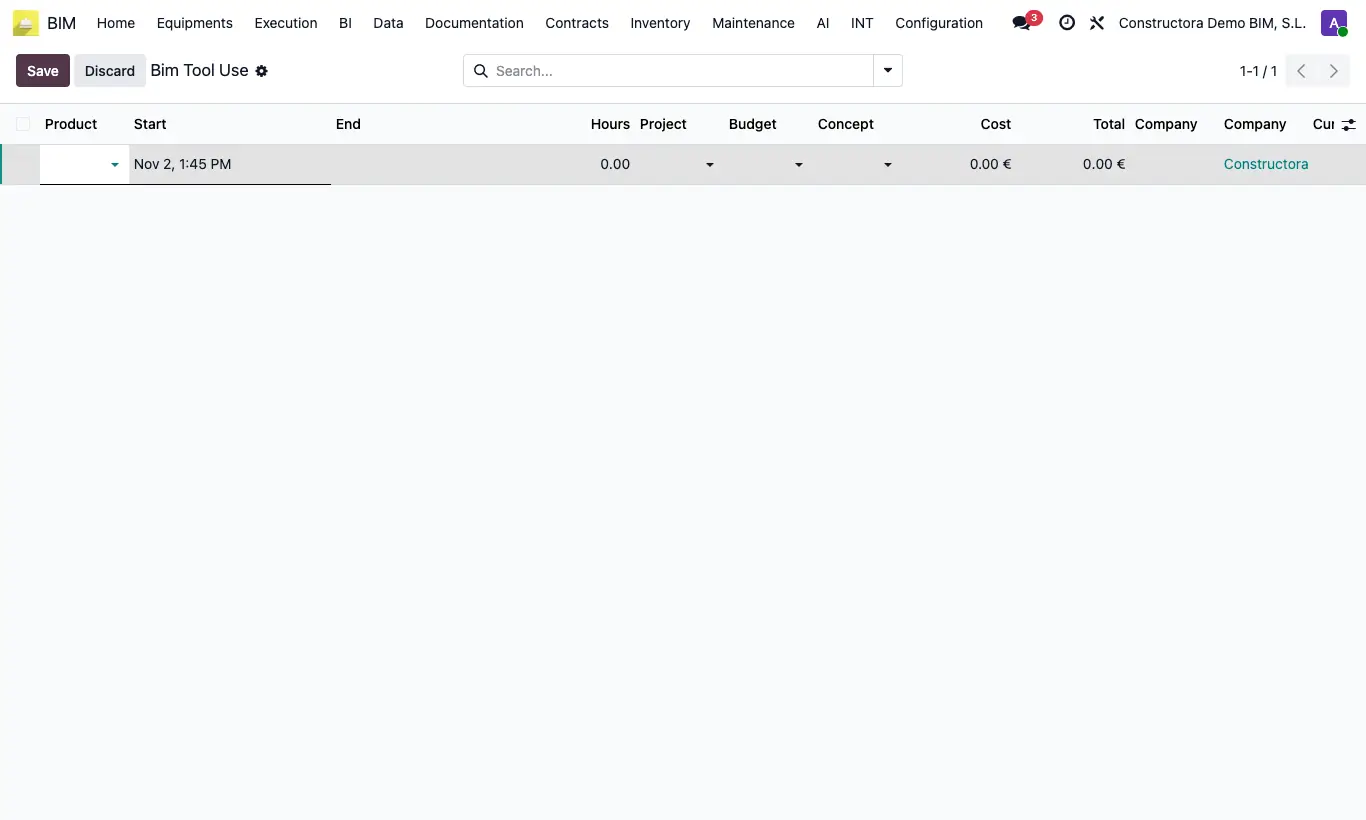
- Go to Equipment › Bim Tool Use and click New (it is edited in the list itself).
- Choose the Product: the hourly Cost is taken from its cost.
- Enter Start and, when it is returned, End: Hours and Total are calculated.
- Choose Project and, if you want, Budget and Concept, and save.
Warning
Uses of the same tool cannot overlap: “…the tool was already used on…”.
While a use has no End, another use of that tool cannot be recorded: “…the tool has not been returned since…”.
Site note
The total adds to the project as Tools and can be seen on its Tools Use button.