Where BIM › Config › Quality
Before you start
BIM Manager profile.
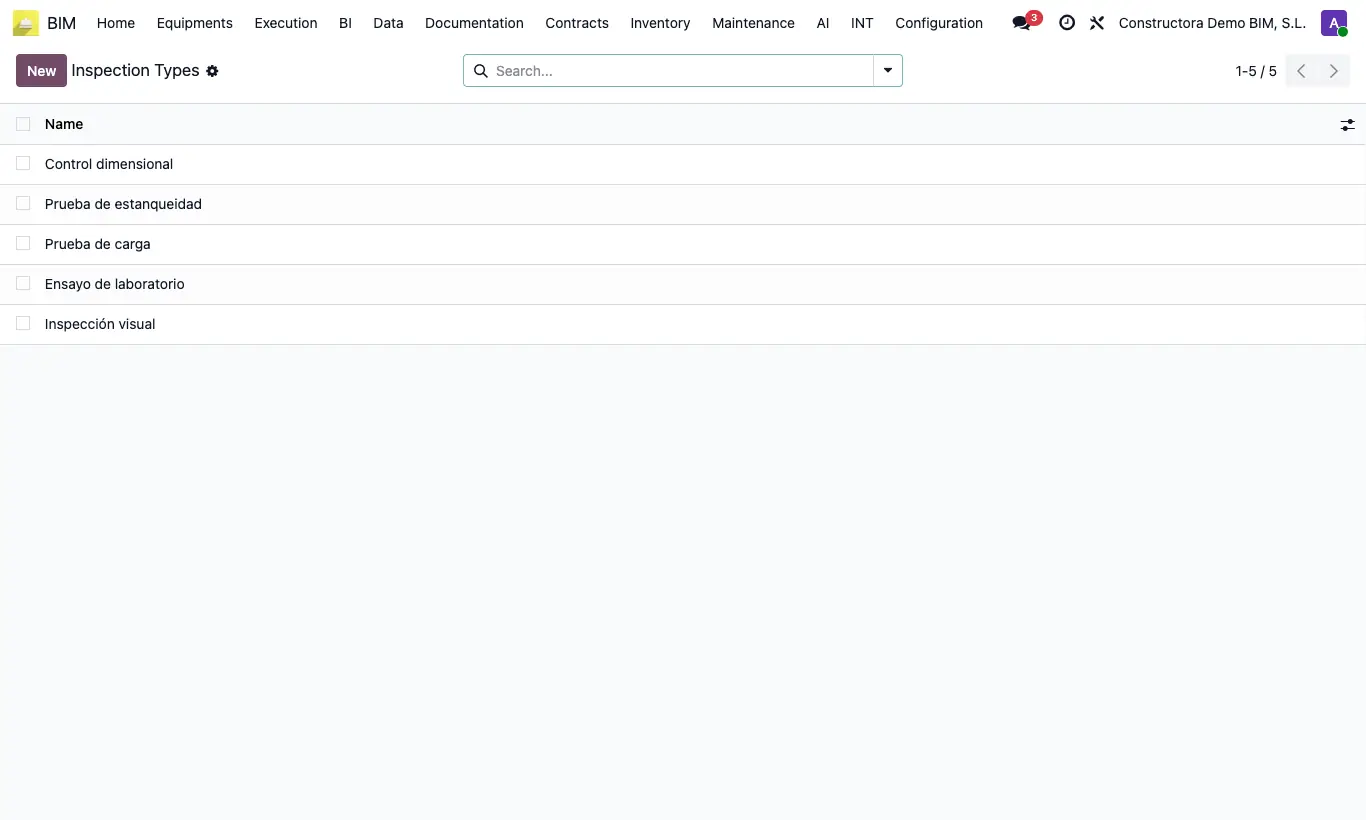
Steps
- Go to BIM › Config › Quality › Inspection Types and create the types you use (visual, lab test, load test…) with their Name.
- Go to BIM › Config › Quality › Register Types and create the records that leave evidence (minutes, test report, photo, certificate…).
- Go back to the quality plan: you can now choose them on each line.
Warning
Without at least one inspection type and one register type you cannot save any line of the plan: both fields are required.
A type that is already used in a plan cannot be deleted.