Where BIM › Inventory › Products (list view)
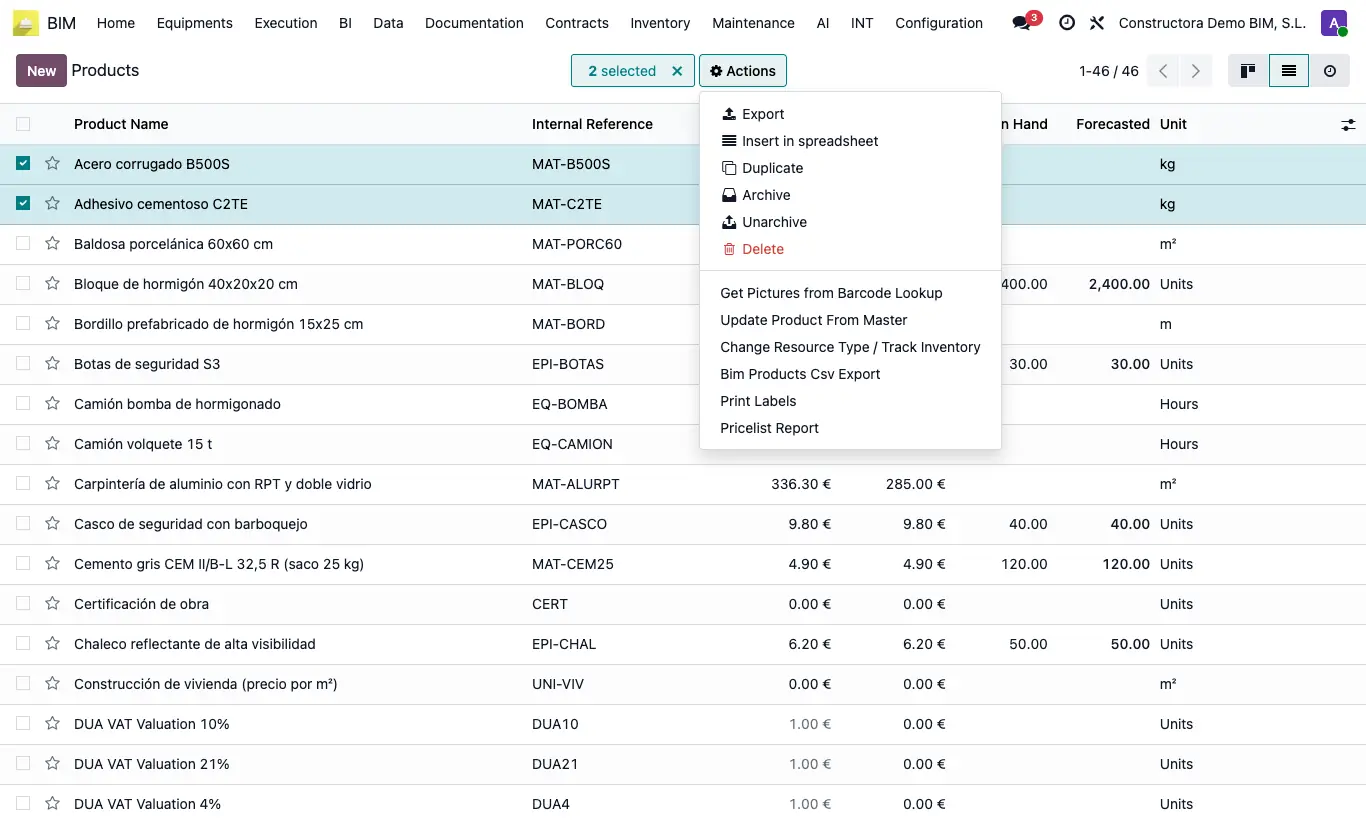
Steps
- Open Inventory › Products and switch to list view.
- Check the products.
- Click Action › Change Resource Type / Track Inventory.
- Check Change Resource Type and choose the Resourse Type, or check Change Track Inventory and turn Track Inventory on or off. You can do both at the same time.
- Click Update.
Warning
If you check neither box this appears: Seleccione al menos un campo a actualizar.
Track Inventory only applies to products of type Goods; services are ignored.
Resources already in budgets do not change type.