Where Budget › ST tab › Type Duration
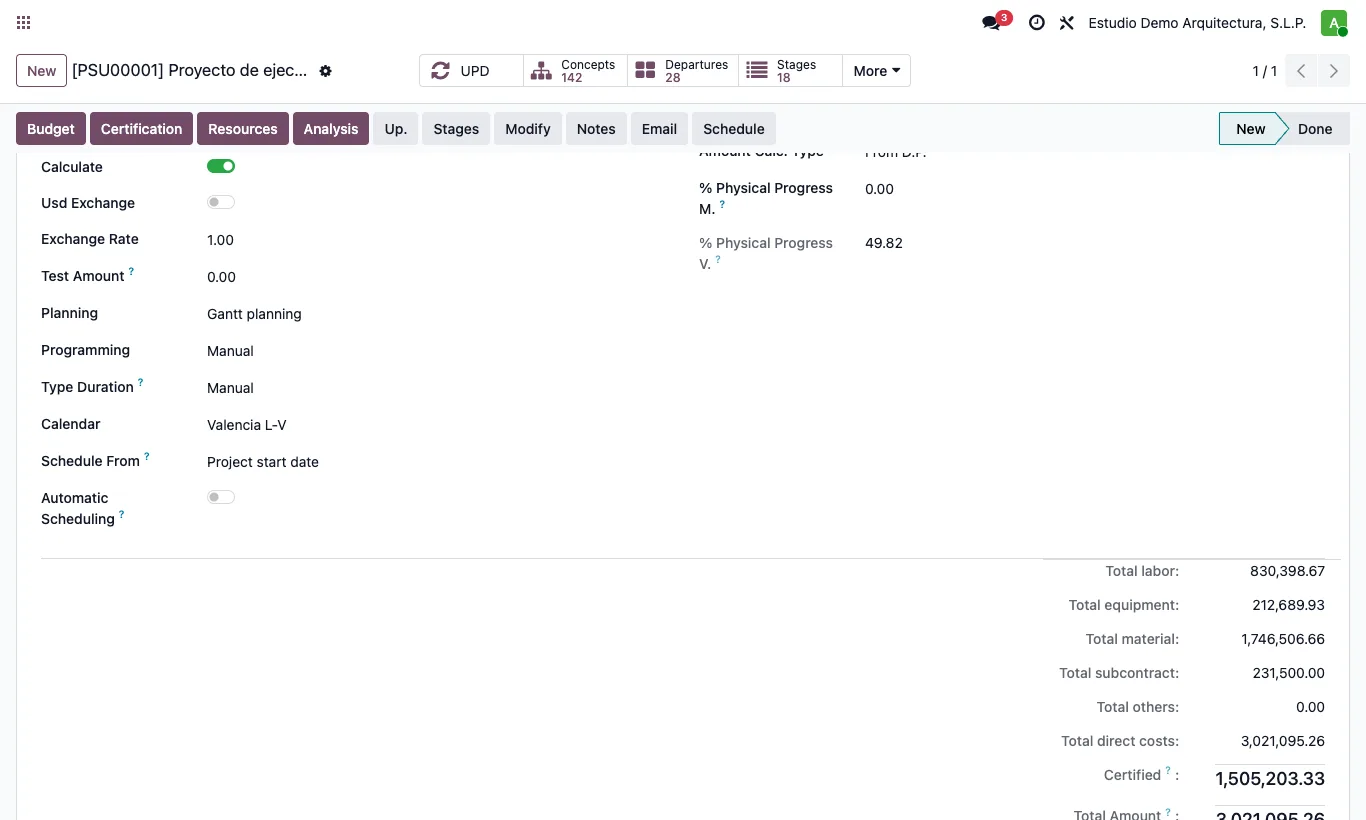
Steps
- Open the budget and go to the ST tab.
- In Type Duration choose: Performance (duration = quantity ÷ performance, in working days, rounded up), Date (duration = working days between start and finish) or Manual (you type the duration; moving the start moves the finish with it).
- Choose the project's Calendar.
- Save. This rule applies whenever dates or durations change in the item or in the Gantt.
Warning
With Performance, the duration of items with a performance rate is locked (padlock in the Gantt): change it through the quantity or the performance.
If performance is per hour, it is also divided by the item's Hours Day.
Site note
Only items are scheduled: chapters span their items. Scheduling never changes quantities or amounts.