Where BIM › Documentation › Tech Letters
Before you start
BIM Portal Customer Odoo module installed.
Steps
- Go to BIM › Documentation › Tech Letters › Categories and create the categories with their Name; for a subcategory choose the Parent.
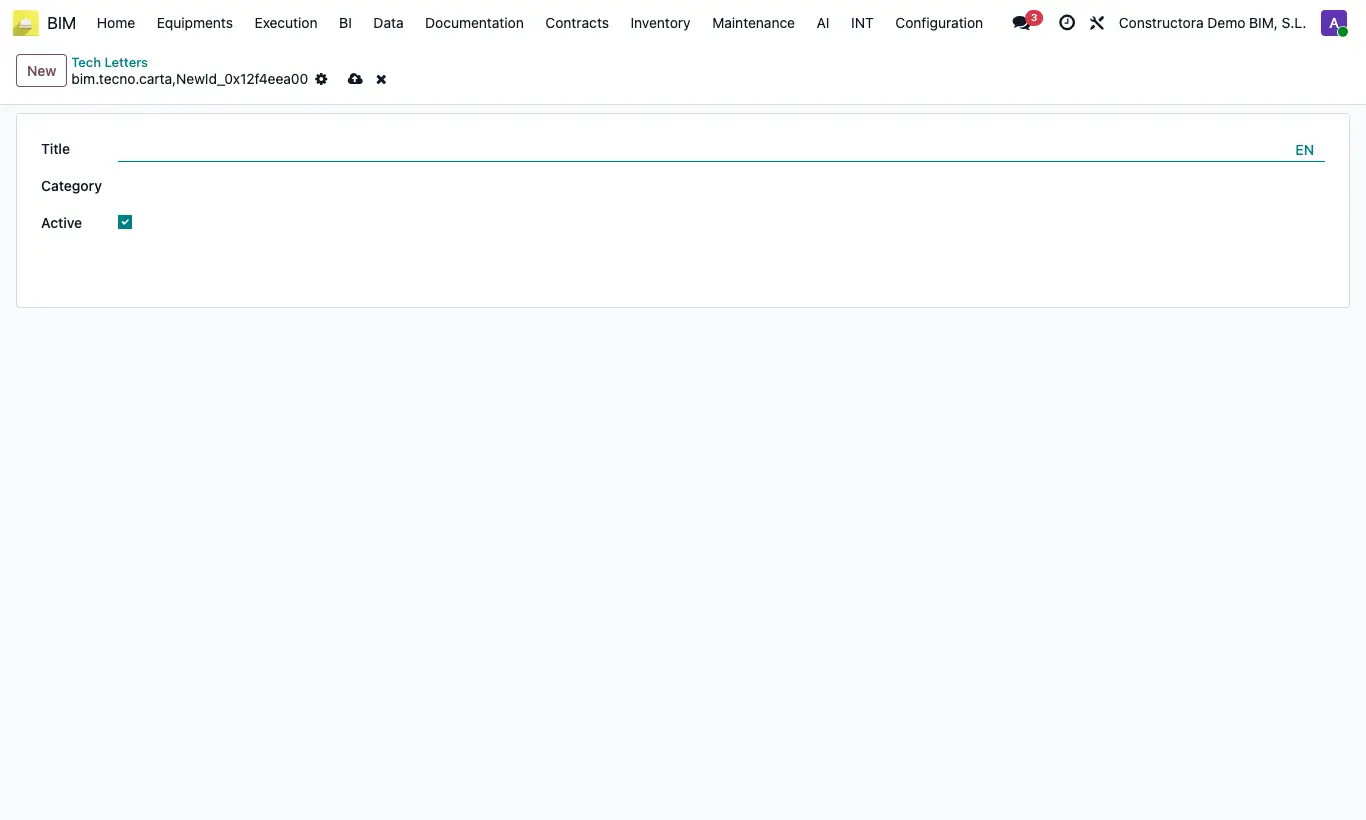
- Go to BIM › Documentation › Tech Letters › Tech Letters and click New.
- Enter the Title, choose the Category and write the Text (it supports formatting, lists and tables).
- Save.
- For someone to view it, tick Tech Letters in the roles on the BIM Portal tab of their contact.
Site note
Archived letters stop appearing in the portal without being lost.