Where BIM › Documentation › Leave Requests
Before you start
BIM Portal Customer Odoo module installed. The employee needs the Is Employee role.
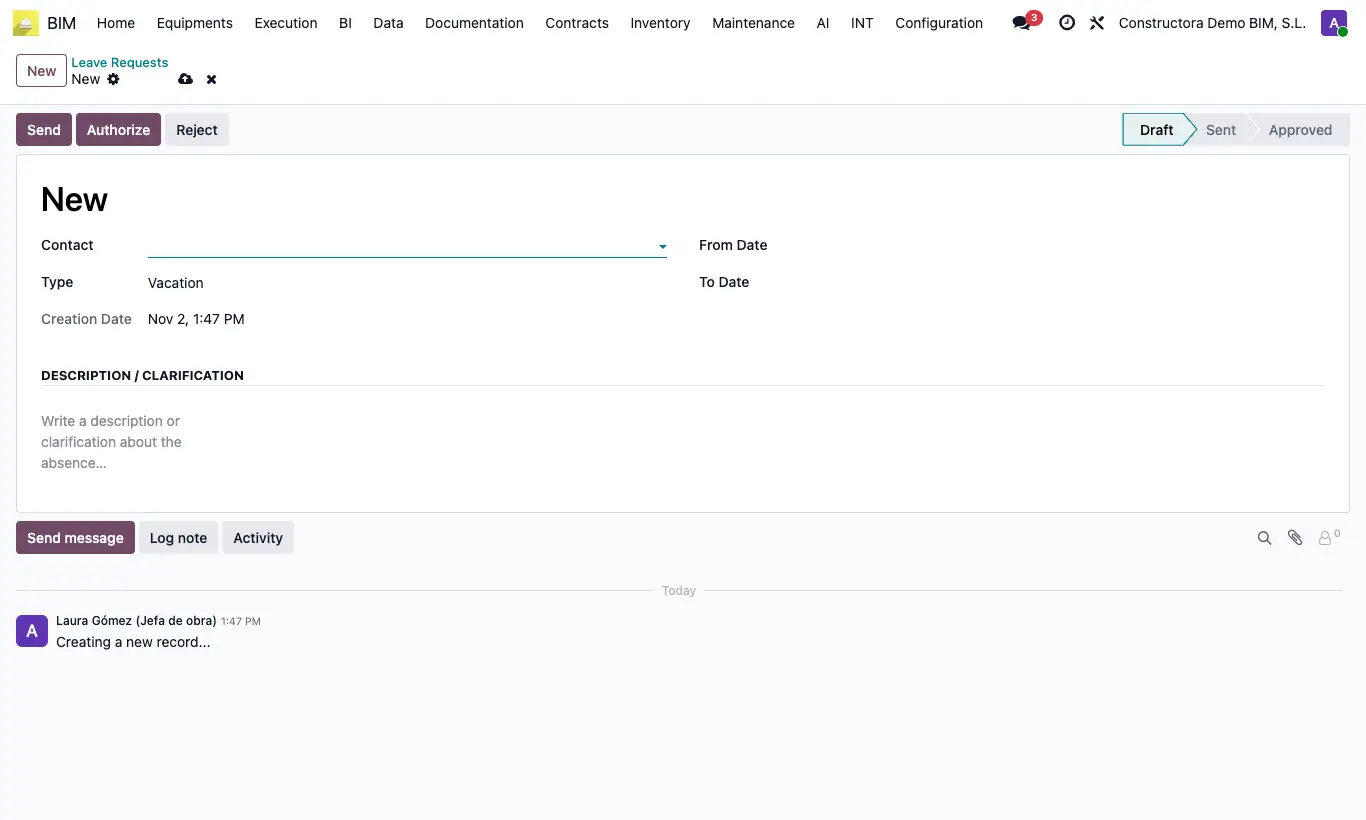
Steps
- Go to BIM › Documentation › Leave Requests.
- Open the request and check Contact, From Date, To Date, Type (Vacation, Permit or Others) and the Description / Clarification.
- Click Authorize or Reject.
- If you rejected by mistake, click Reset to Draft and decide again.
Warning
Authorizing does not create the leave in Employees or in the calendar: it is a record of the request.
Site note
You can also create one yourself with New and click Send to leave it pending authorization.