Where BIM › SAT › Work Deliveries
Before you start
BIM SAT profile, Accounting Invoicing and Inventory if there are materials.
Steps
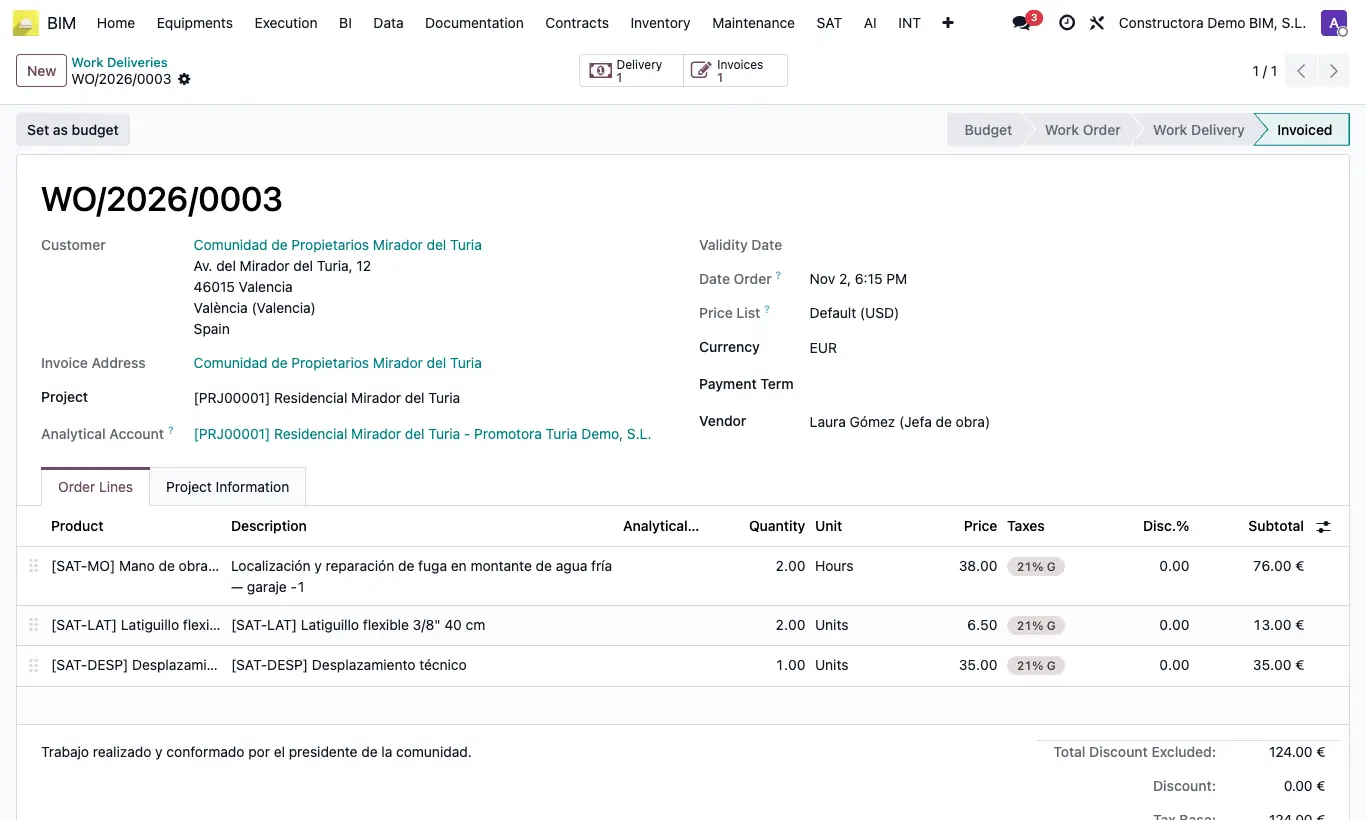
- Go to BIM › SAT › Work Deliveries and open the order in Work Delivery.
- Click Create Invoice.
- The pending delivery note is validated with the ordered quantities and a draft customer invoice is created, with the same lines, prices, discounts, taxes and analytical account.
- The order moves to Invoiced. Click the Invoices button to open the invoice.
- Review it and click Confirm to post it.
Warning
Create Invoice only appears once: when the order already has an invoice, the button disappears.
Without a sales journal you get “You have not configured a sales journal”.
Site note
The invoice uses the Journal from the BIM settings or, if empty, the company's first sales journal. Its date is the Date Order.
The invoice is linked to the project of the order's Project.