Where BIM › SAT › Budgets
Before you start
BIM SAT profile.
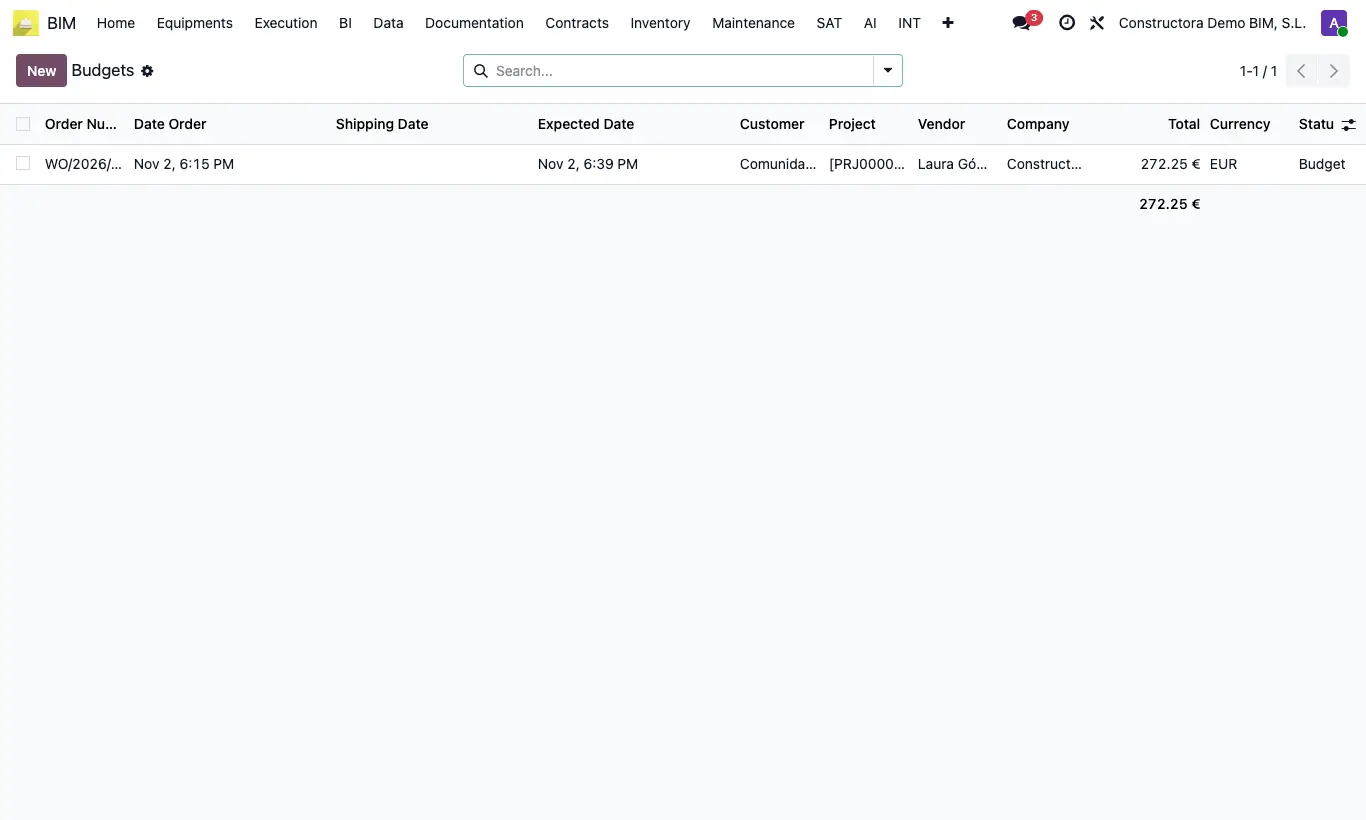
Steps
- Open the quote or the order.
- Click Cancel: it is available in Budget and in Work Delivery. It moves to Cancelled.
- To reuse it, click Set as budget (in Cancelled or Invoiced): it goes back to Budget and you can change the lines and confirm it again.
Warning
Cancelling or setting back to quote does not void the delivery note or the invoice already created: void them separately from Deliver and Invoices.
Only quotes in Budget or Cancelled can be deleted.