Where Settings › Users & Companies › Users
Before you start
Administrator role.
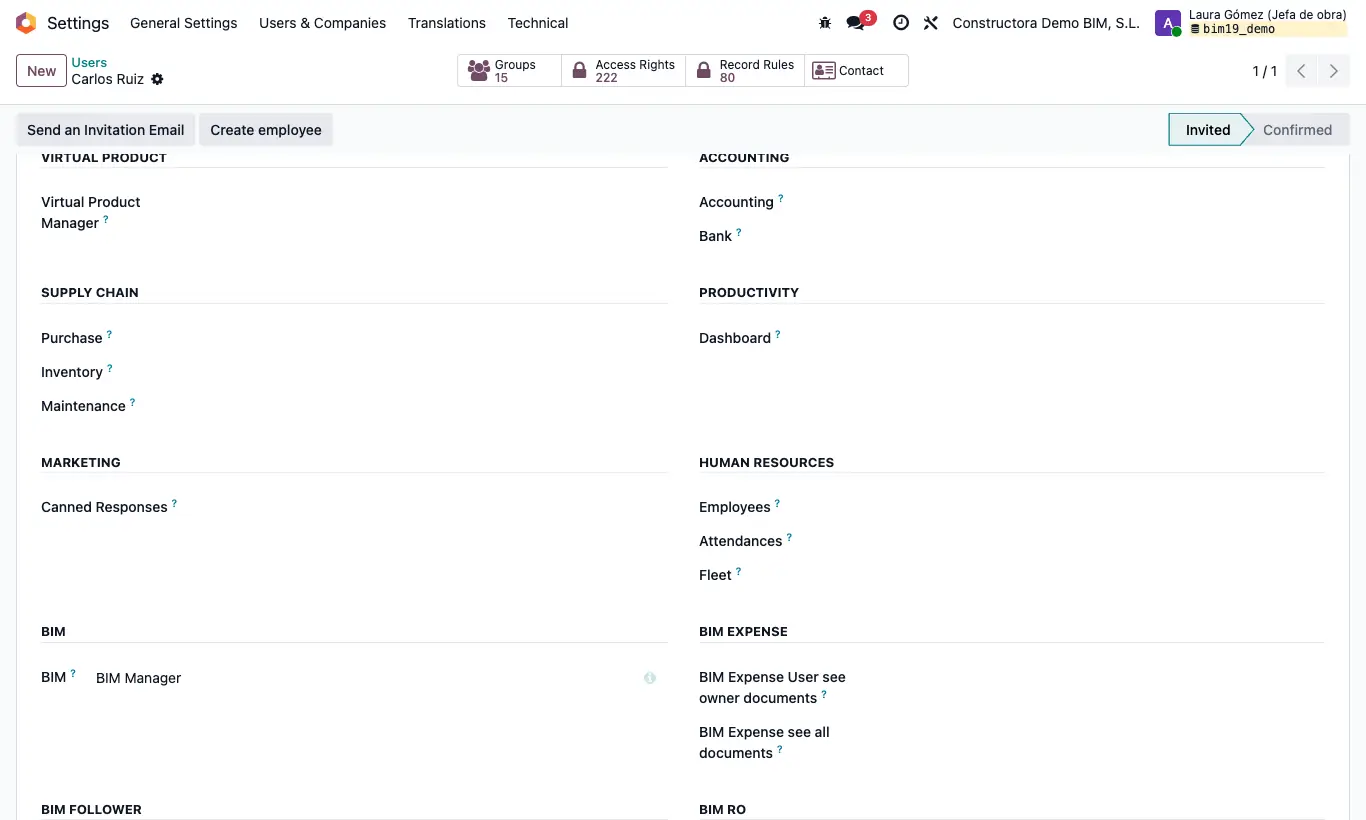
Steps
- Go to Settings › Users & Companies › Users and open the user.
- In the Access Rights tab, BIM section, check that they have a base profile (BIM User see owner documents or higher).
- In the BIM EXTRA section, choose BIM SAT in the BIM SAT dropdown.
- So they can invoice, also give them Accounting Invoicing; to validate the material delivery notes, Inventory.
- Save and ask the user to reload the page: they will see the BIM › SAT menu.
Warning
Without a base profile in the BIM section they cannot see the BIM app, even with BIM SAT.
Site note
BIM Manager already includes BIM SAT.