Where BIM › Config › Accounting › Opening Balance
Before you start
BIM Manager profile. The budget state must have Register Open Balance.
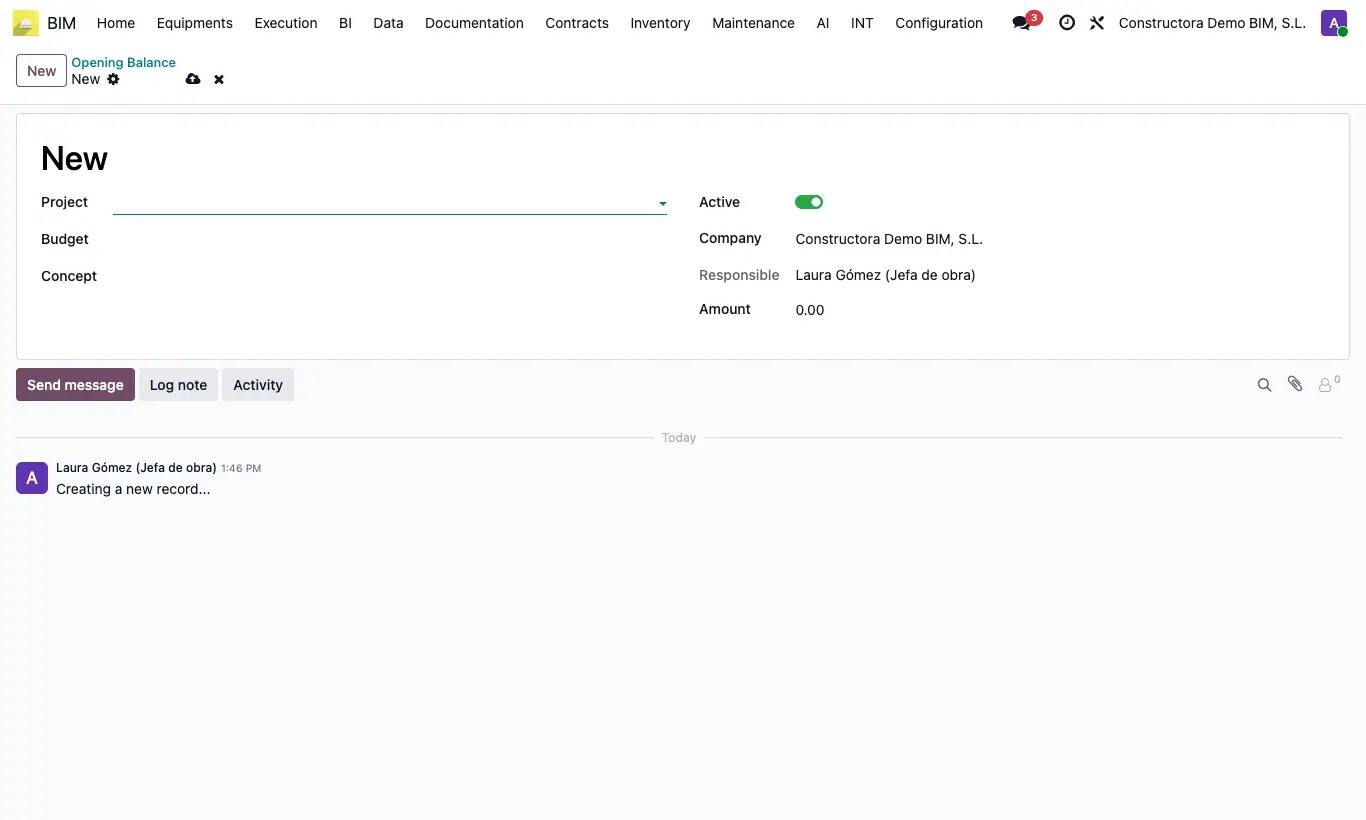
Steps
- Go to Config › Accounting › Opening Balance and click New.
- Choose Project, Budget and the item in Concept.
- Enter the Amount of the cost already incurred and save.
- It is added to the item's executed cost and to the first stage's actual cost in earned value.
Warning
If the budget does not appear, check that its state has Register Open Balance ticked.
Site note
The project shows the total on the Opening Balance button.
To void a balance without deleting it, turn off Active.