Where BIM › Inventory › Trades
Steps
- Go to Inventory › Trades and click New.
- Type the trade Name and Code and save.
- For a subtrade, create another record and choose its trade in Parent Rubro: the Type switches to Subtrade by itself.
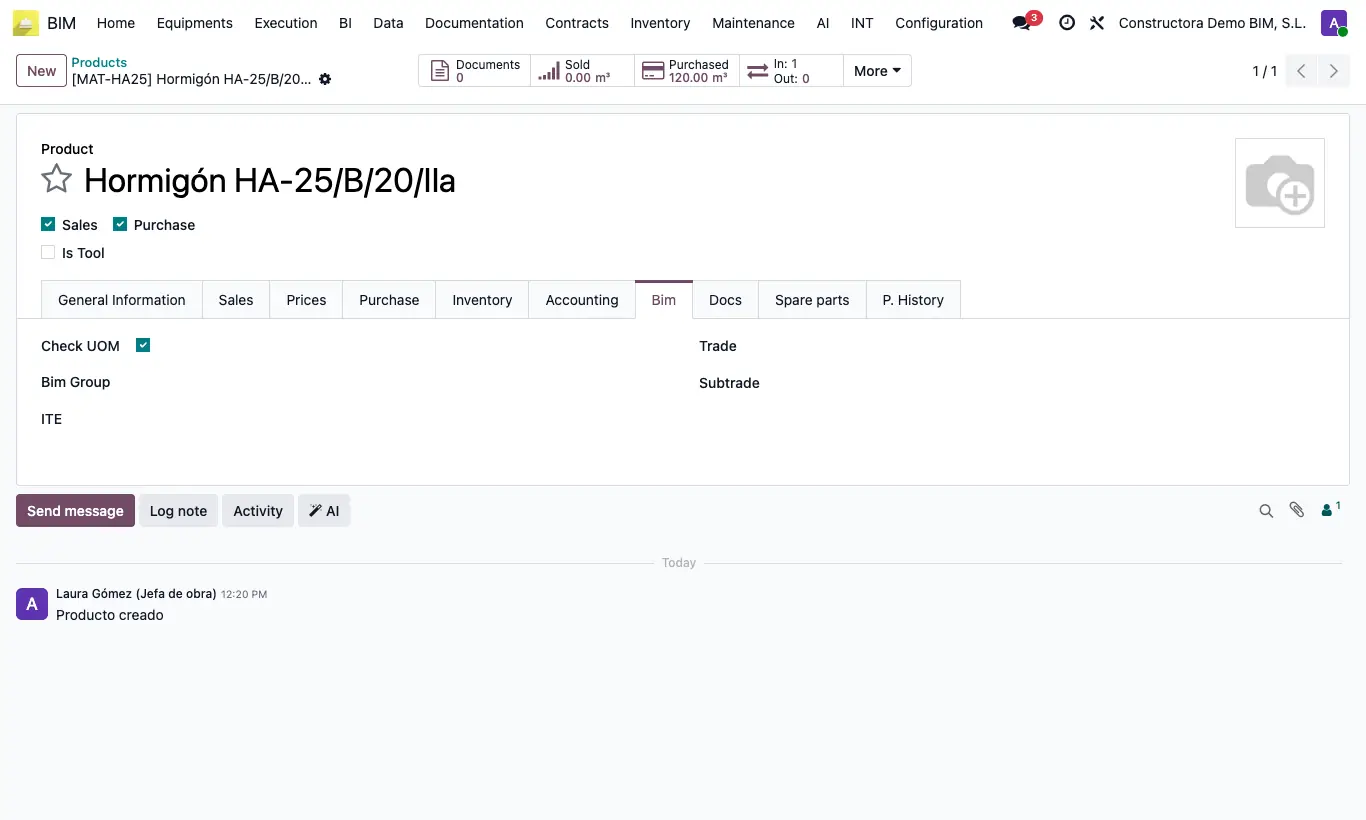
- On each product, Bim tab, choose the Trade and the Subtrade: only the subtrades of the chosen trade appear.
Site note
Budget resources inherit the trade and subtrade of their product, useful for filtering and grouping lists.
To number products automatically use the BIM Product Group.