Where BIM › Data › Employee Tools
Before you start
For write-offs, reasons created in BIM › Config › Tools › Tool write-off reasons.
Steps
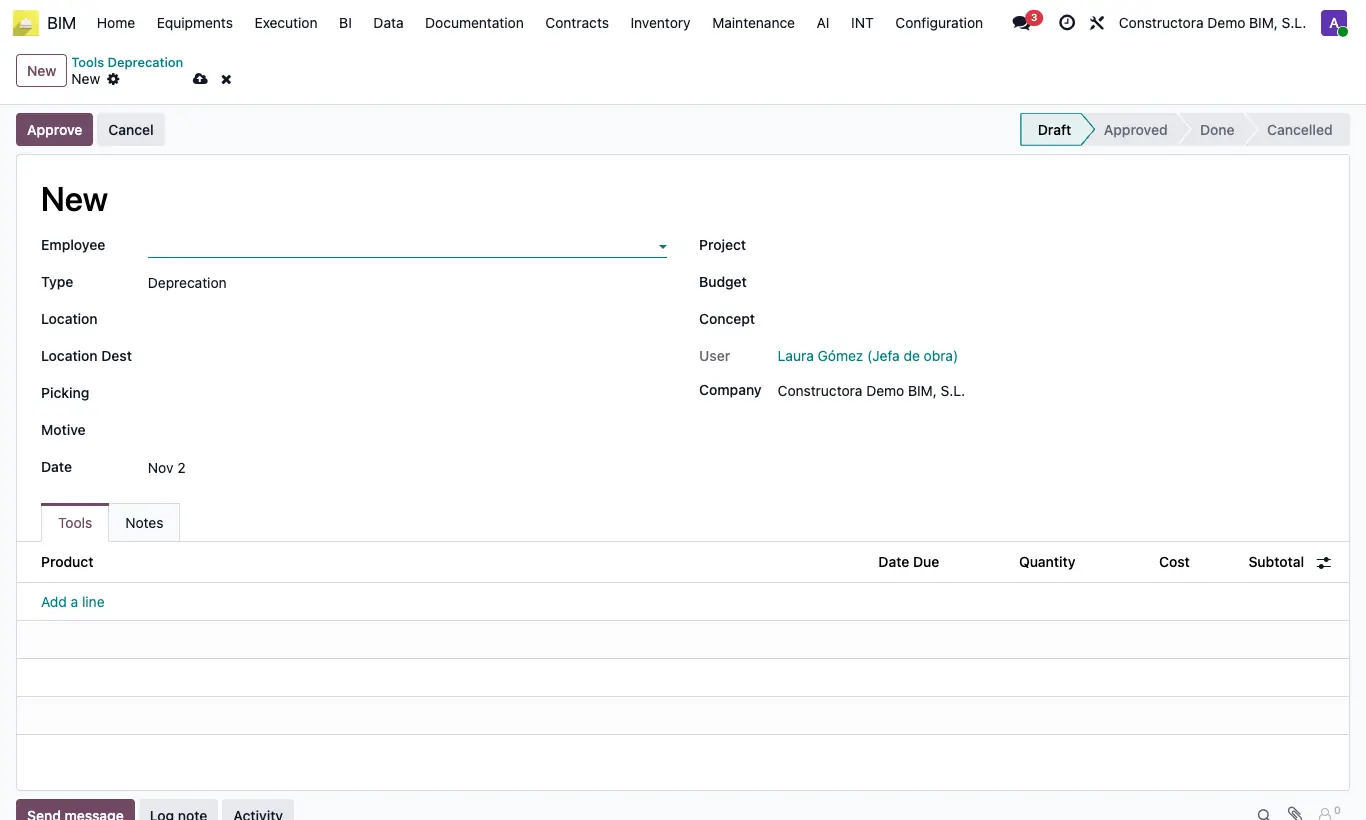
- Go to Data › Employee Tools and choose Tools Withdraw, Tools Transfer or Tools Deprecation.
- Click New, choose Employee, Date and Project.
- Enter Location and Location Dest. For a write-off, also choose the Motive.
- Add the tools in the Tools tab.
- Click Approve and Confirm: the document becomes Done.
Site note
With Tools Inventory Movement turned on in the Bim 2.0 settings (it comes that way), a withdrawal creates and validates an incoming delivery note to the warehouse. Transfers and write-offs are only recorded: they do not move inventory.
Write-off reasons have a Name and a Description.