Where BIM › Documentation › Task Report › Timesheet summary
Steps
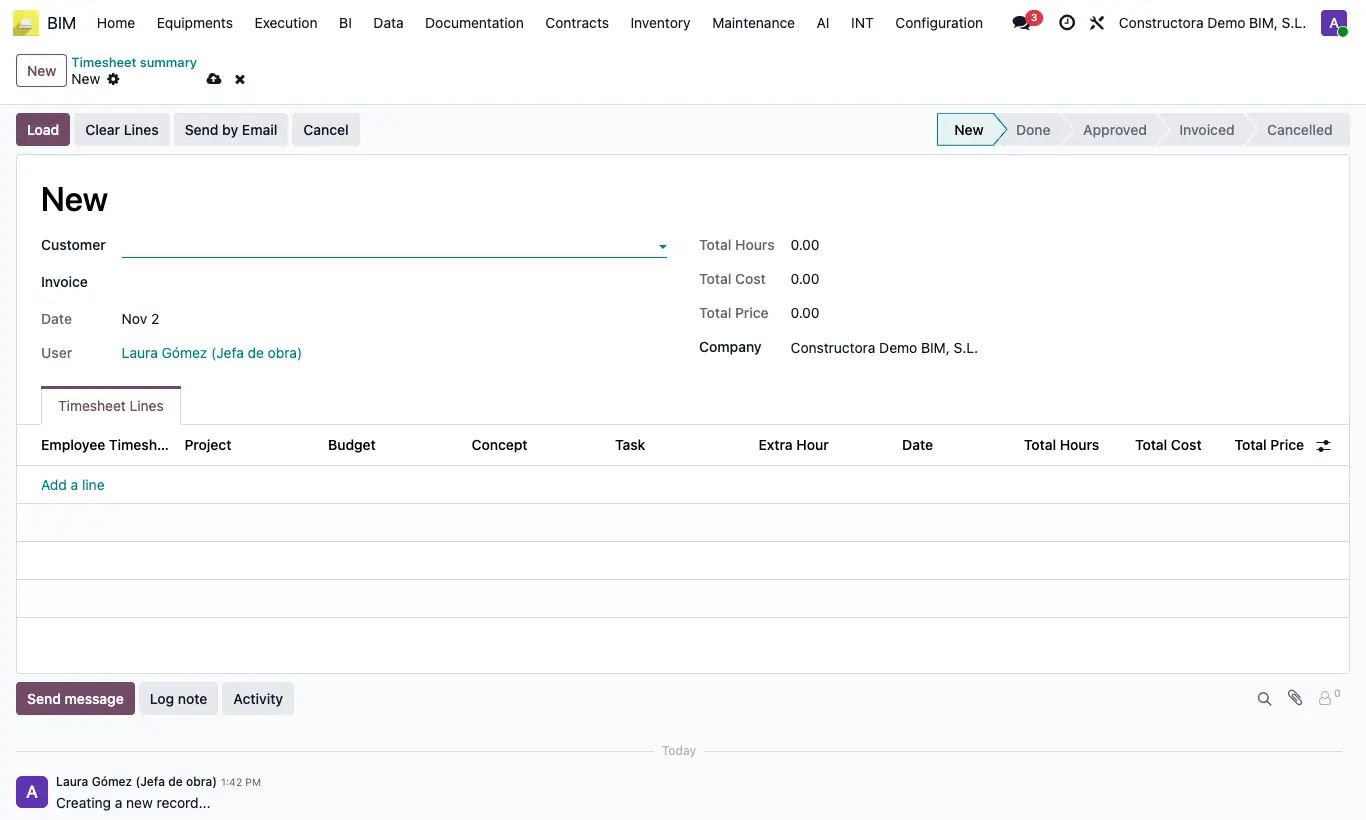
- Go to Documentation › Task Report › Timesheet summary and click New.
- Choose the Customer and click Load: their time entries that are not in Draft or Cancelled, and not already in another summary, are added.
- Check Total Hours, Labor Cost and Total Price.
- Click Set to approved and then Create invoice: an invoice is created with one line per time entry.
- If you want, send it with Send by Email.
Warning
The invoice uses the Payment Status Product of the project or the company; without an income account it warns "There is no income account on the product, its category or the Accounting settings".