Where BIM › Home › Projects › Projects
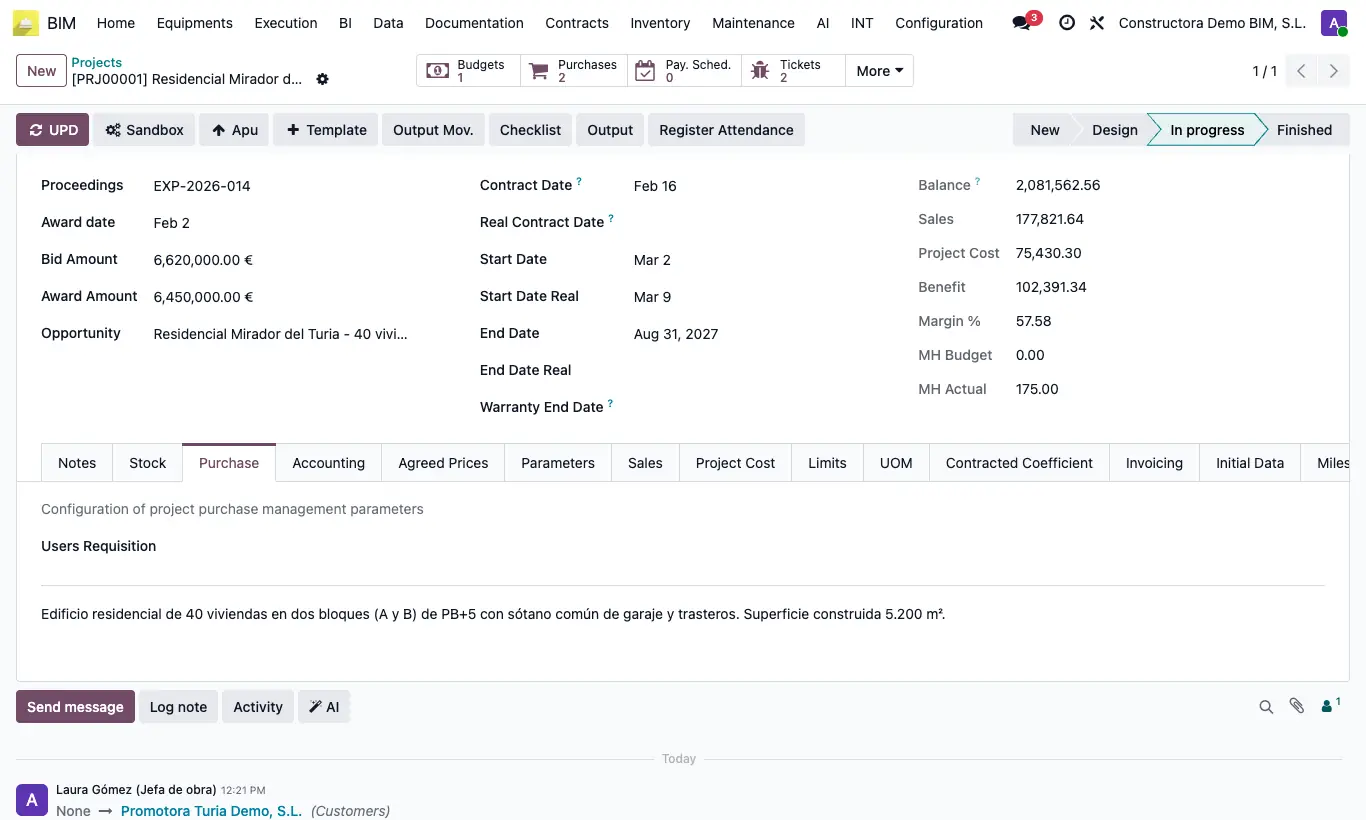
Steps
- Open the project and go to the Purchase tab.
- In Users Requisition add those who can request for that project and save.
- In material and service requests, only they will be able to choose that project. With the list empty, anyone can.
- To approve requests, give the responsible person the Purchase requisition admin profile: they will see Approve on requests in Requested state.
- So that site staff can make requests without entering BIM, give them Menu Material Request or Menu Service Request.
Warning
The list only limits which project can be chosen when creating the request: it does not hide requests already made.
Requests only offer projects of the active company.