Where BIM › Config › States
Before you start
BIM Manager profile.
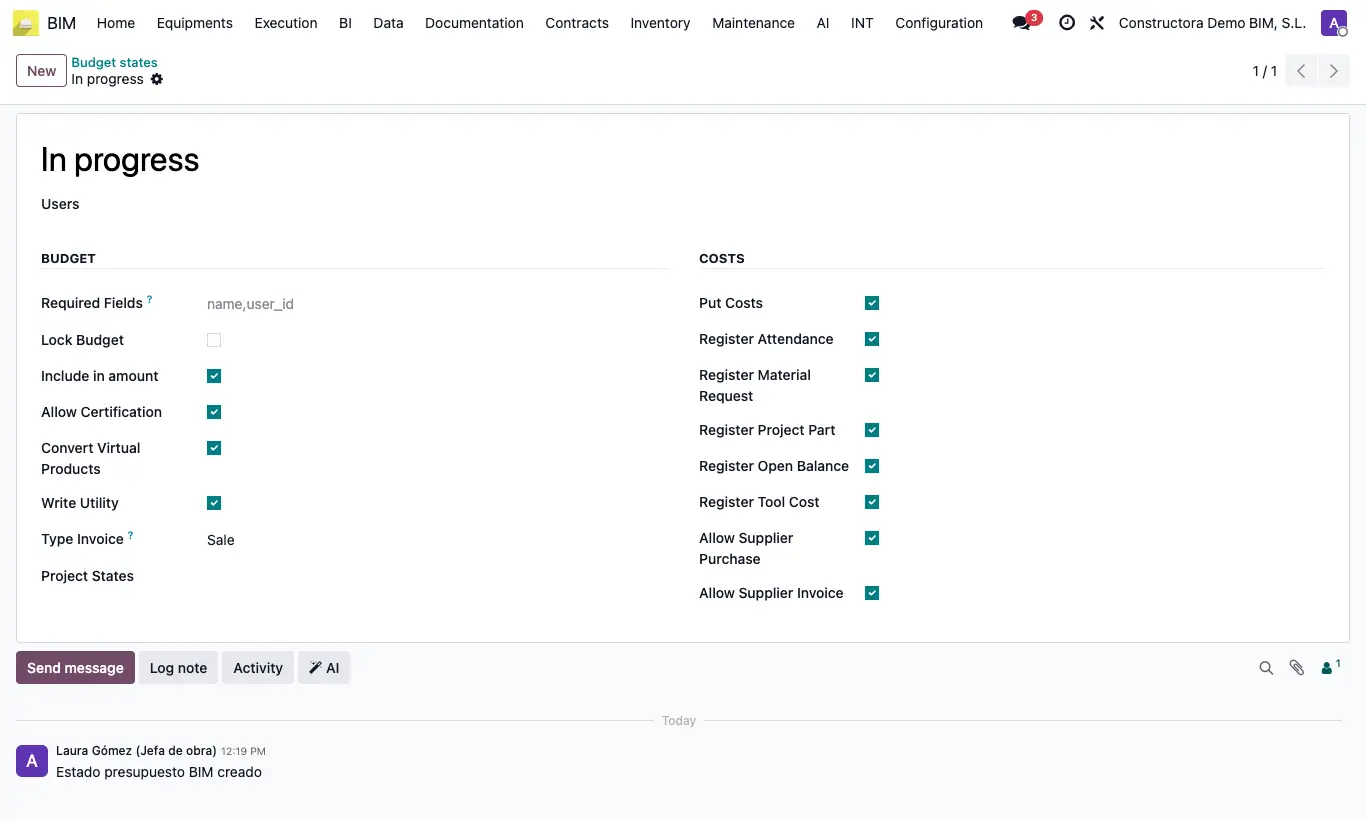
Steps
- Go to Config › States and choose Project states, Budget states or Checklist States.
- Open the state you want to protect, for example an approval one or Done.
- In Users add the authorized people and save.
- If anyone else tries to set it, it shows "Only users … can move the current budget to state …" (or the project, or the checklist).
- On projects and budgets, also fill in Required Fields to require data before changing state.
Warning
With Users empty, anyone who sees the document can set that state.
When the project's state changes its budgets with Set Budget State, the users of the budget state are not checked.