Where Item › Constraint · Deadline
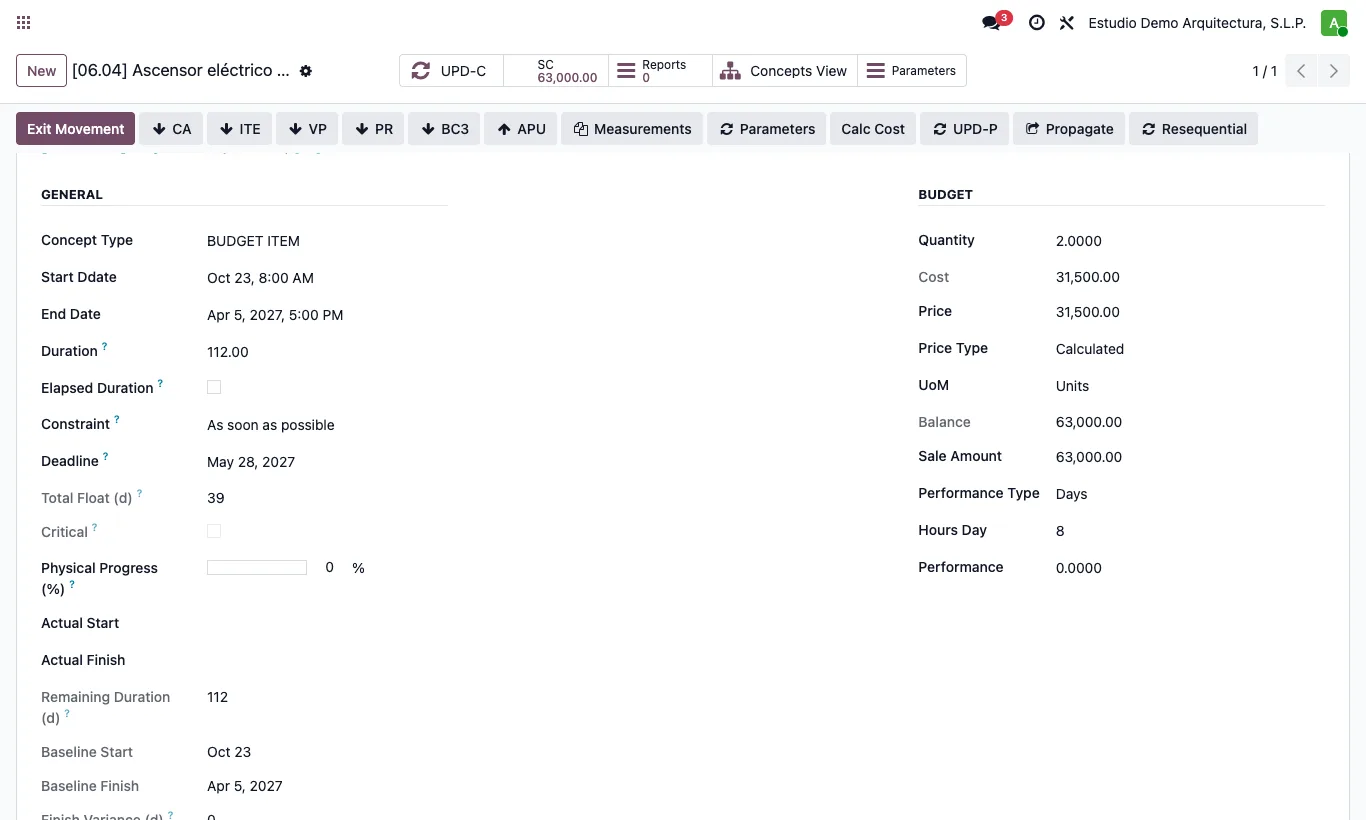
Steps
- Open the item.
- In Constraint choose: As soon as possible, As late as possible, Start no earlier than, Start no later than, Finish no earlier than, Finish no later than, Must start on or Must finish on.
- If the constraint has a date, fill in Constraint Date.
- To warn without moving the item, set a Deadline: if the item finishes later, its float becomes negative.
Warning
Must start on and Must finish on pin the item even if its predecessors have not finished: negative float flags it.
Site note
As late as possible only uses up free float: it never delays a successor.