Where Budget › Budget History › (history) › Apply History
Before you start
BIM Administrator profile.
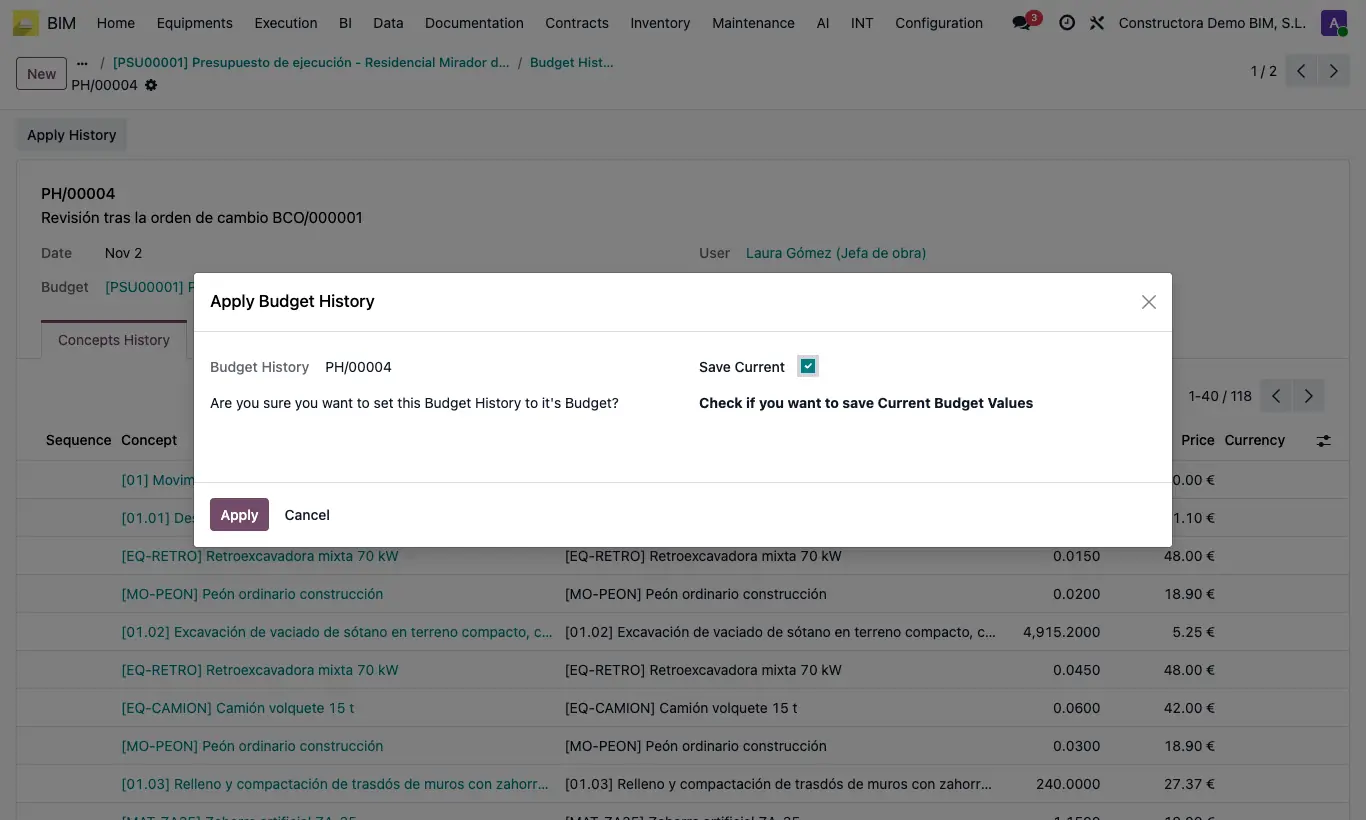
Steps
- Open the budget and click Budget History.
- Open the history you want to return to.
- Click Apply History.
- Leave Save Current checked if you want to save a history with today's state first.
- Read the red notice: it lists the concepts that were deleted since then and cannot be recovered.
- Click Apply. The budget is recalculated and its title shows the description of the applied history.
Warning
The quantities of all concepts and the price of the resources are restored. The price of chapters and items is not touched: it comes from their resources when recalculated.
Concepts deleted after the history was saved do not come back.