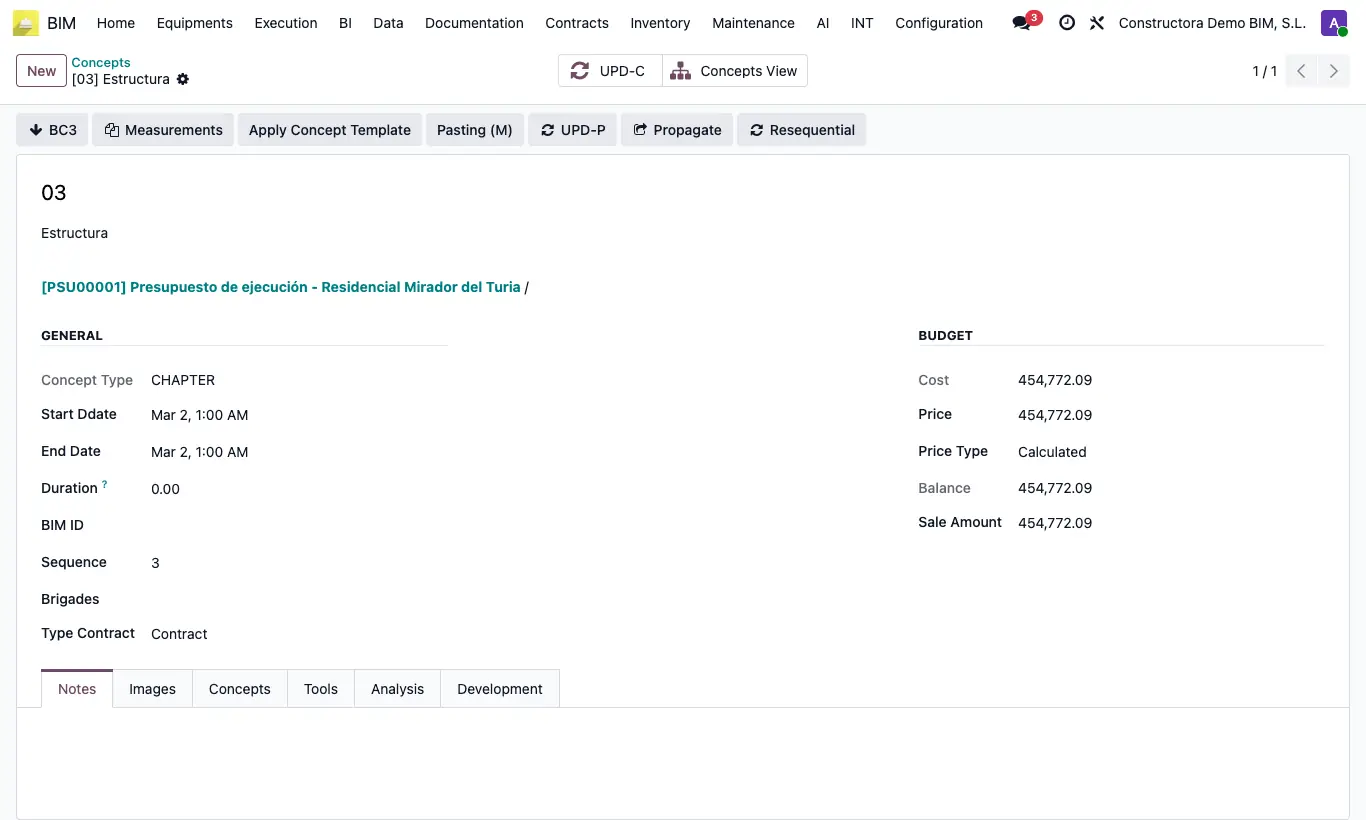
Where Chapter or item › Resequential button
Steps
- First sort the concepts in the tree (Alt + ↑ / ↓).
- Open the chapter or the item (Enter in the tree).
- Click Resequential and confirm.
- All its descendants are renamed with the parent's code + a sequential number (for example 01.1, 01.2, 01.3...).
Warning
The numbering runs on across all levels: grandchildren follow their parents' counter, they do not start at 1.
If the source BC3 or an Excel file used those codes, they will no longer match.