Where Budget › Update button › Update from APU
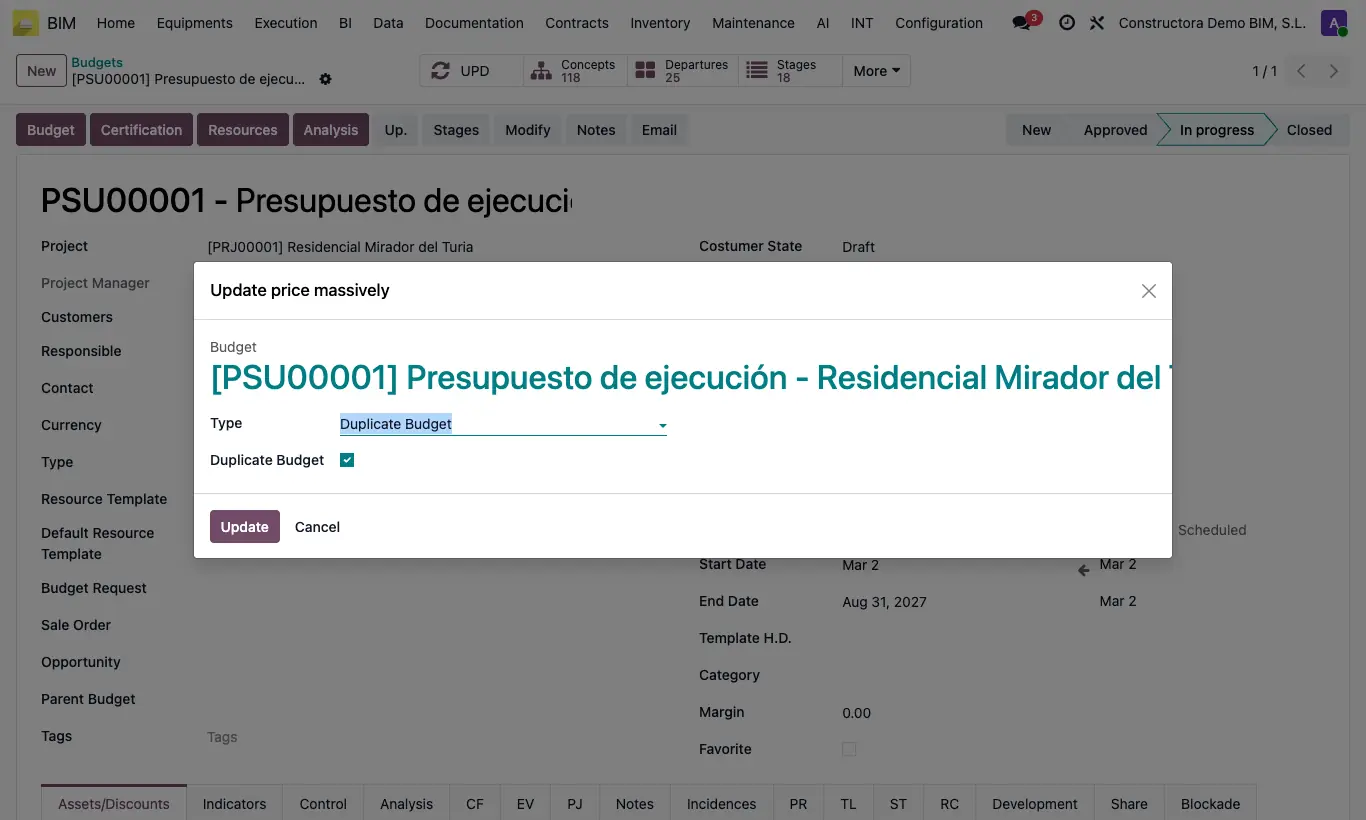
Steps
- First update the library (Update Prices on the unit prices).
- Open the budget, click Up. and in Type choose Update from APU.
- Check Duplicate Budget if you want to do it on a copy.
- Click Update: in each item whose code matches that of a unit price, the resources with the same code take the quantity and price from the library.
- Click UPD.
Warning
It does not add or remove resources: those that do not exist in the item with the same code are not created.
If the item has a different code from the unit price, it does not change.
Site note
To set by hand the price of all items with a code, choose Update Departure Manually, type the Departure Code and the Cost New: they switch to Manual price.