Where Development app › Sale › Sales
Before you start
Development User profile. Properties in Available state.
Steps
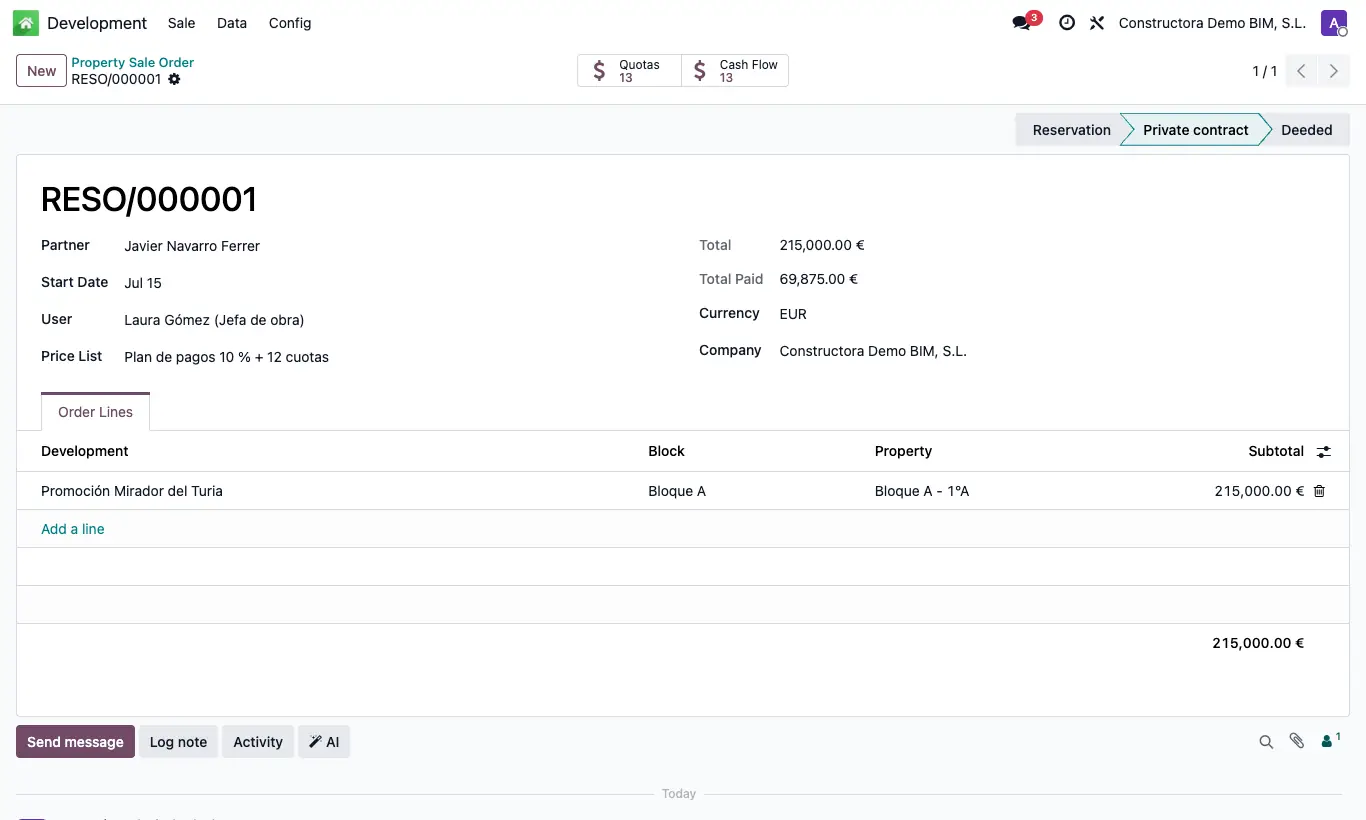
- Go to Sale › Sales and click New.
- Choose the buyer in Customer and check the Start Date: it is the date of the first installment.
- Choose the Price List before adding lines.
- In Order Lines choose Development, Block and Property: the Subtotal comes from the price list or the property's price.
- Check the Total and save.
- Move the sale forward by clicking its State in the top bar.
Warning
If you change the Price List after adding lines, the subtotals are not recalculated: choose the property again on each line.
When selling, manually change the property's state to Sold.