Where Development app › Data
Before you start
Development User profile.
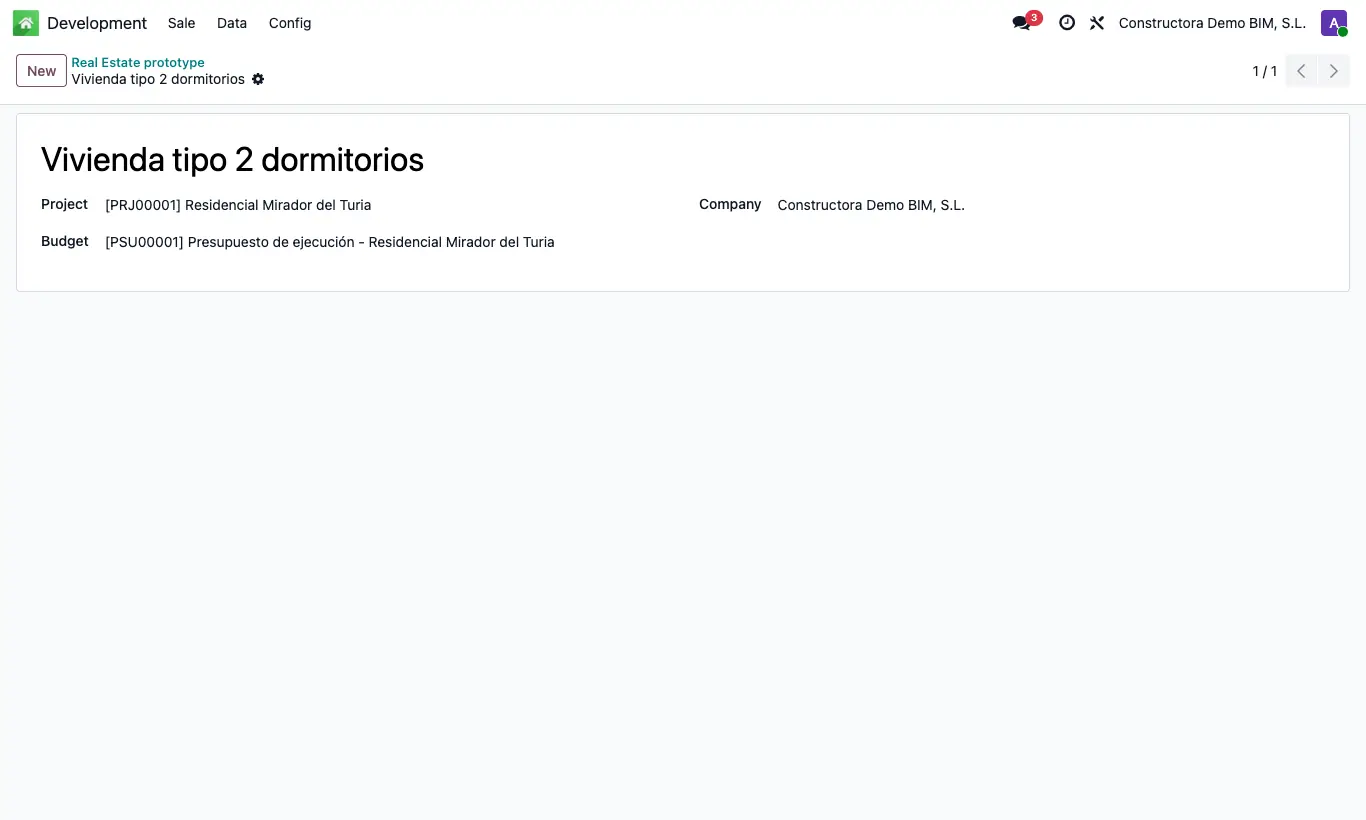
Steps
- Go to Data › Prototypes and click New.
- Enter the Name (for example, "3 bedrooms with terrace").
- If you have a standard budget, choose its Project and the Budget.
- Go to Data › Variants and create each variant (parking space, storage room, fitted kitchen…) with its Name.
Site note
The floor area does not go on the prototype: it is entered on each property, Area field.