Where Development app › Sale › Price List
Before you start
Development User profile.
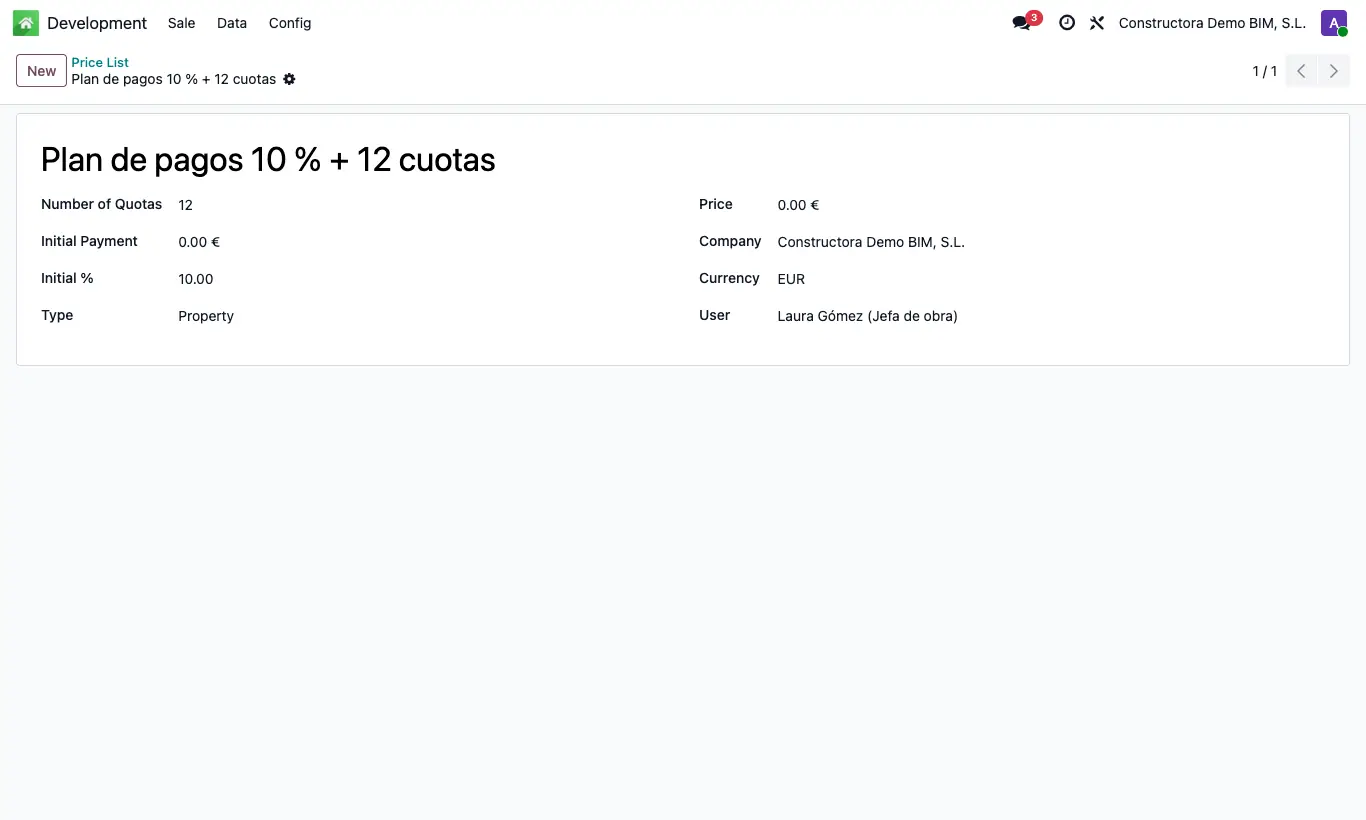
Steps
- Go to Sale › Price List and click New.
- Enter the Name and the Number of Quotas.
- Enter the down payment as Initial Payment (fixed amount) and/or Initial % (percentage, 10 by default).
- Choose the Type: Property (uses each property's price) or List Price (uses this list's Price for all).
- If you chose List Price, enter the Price. Save.
Warning
With Number of Quotas at 0 only the down payment installments are created.
With the Property type, if the property has no price the list's Price is used.