Where Development app › Data
Before you start
Development User profile.
Steps
- Open the Development app and go to Data › Development. Click New and enter the development's Name.
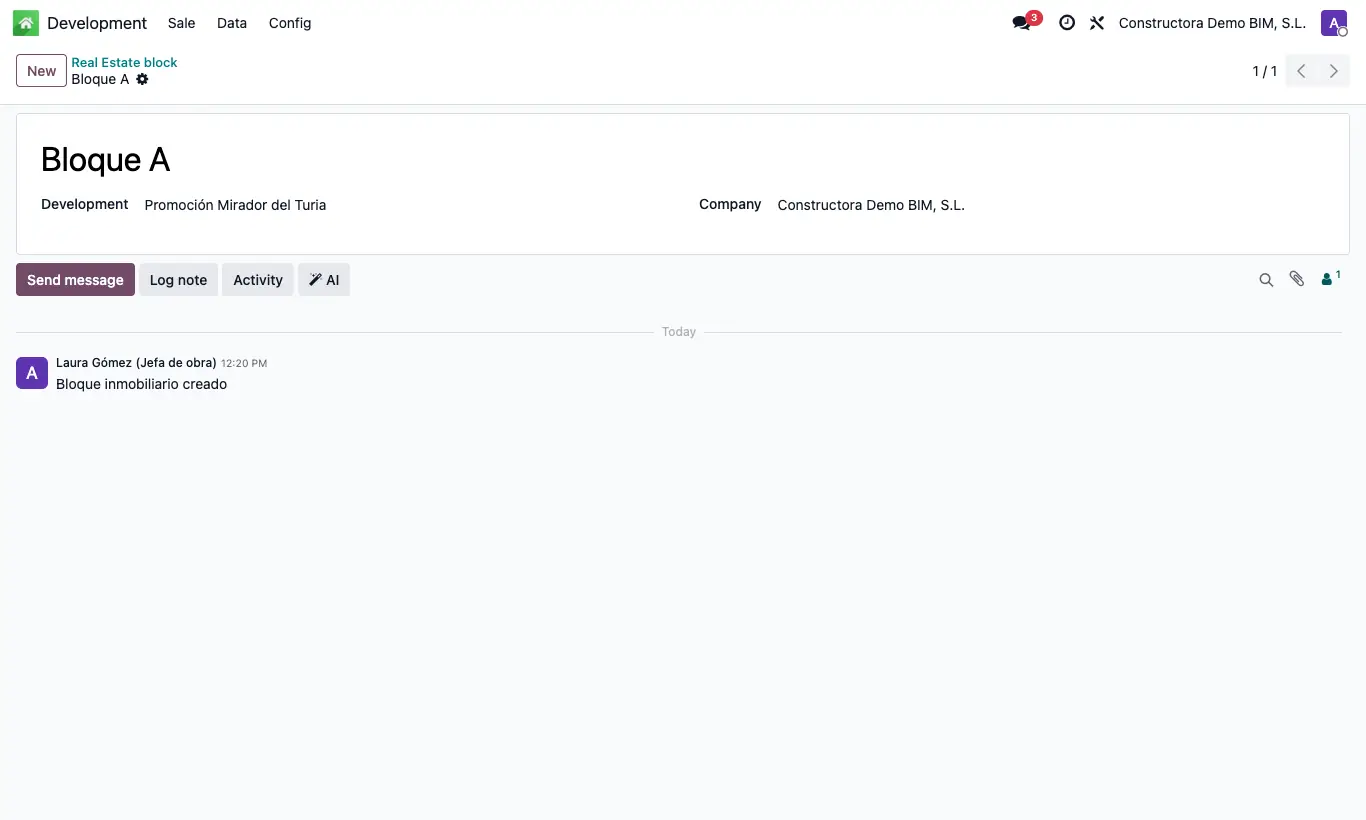
- Go to Data › Blocks, create each block or entrance with its Name and choose its Development.
- If you sell plots, go to Data › Lots and create each lot with its Development, Block, Price, Cost and State.
- Save: you can now create the properties of each block.
Site note
In the lot, Contact is used to note the owner or the buyer.