BIM 2.0Odoo 19

Process manual

Search for what you want to do and follow the steps. Each process shows where it is in the menu, what you need first and which mistakes to avoid.

The life of a project

Real Estate Development

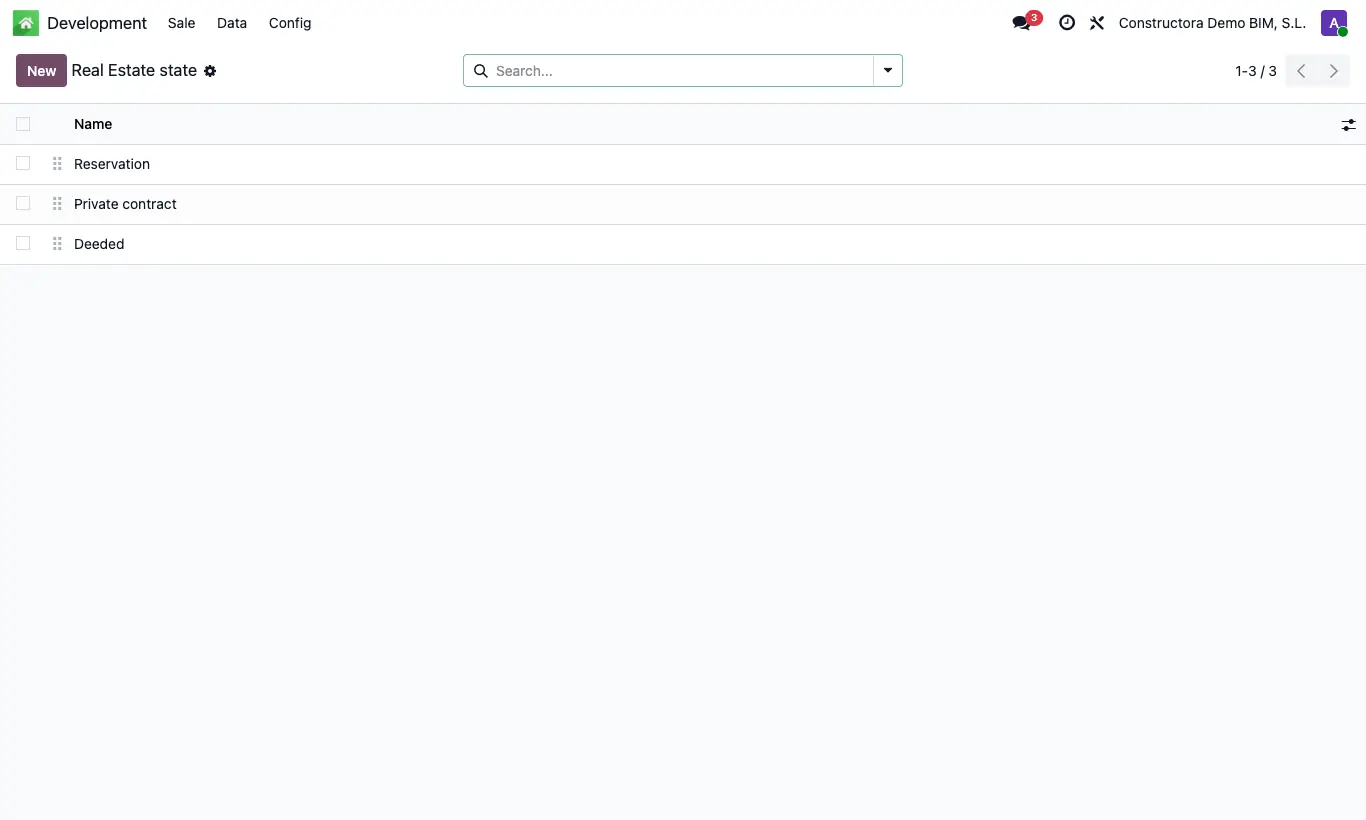
How do I configure the states of a property sale?The commercial stages of the sale: reservation, contract, deed…

Where Development app › Config › State

Before you start

Development User profile.
How do I configure the states of a property sale?

Steps

  1. Go to Config › State and click New.
  2. Enter the Name of each stage (for example, Reservation, Private contract, Deeded).
  3. Order them by dragging: the first one is the state of new sales.
Warning

Create the states before the first sale; none come pre-created.

A state already used by a sale cannot be deleted.

Documented version: BIM 2.0 (base_bim_2 19.0.19.04.2026) · Odoo 19