Where Property › Update button
Before you start
Development User profile.
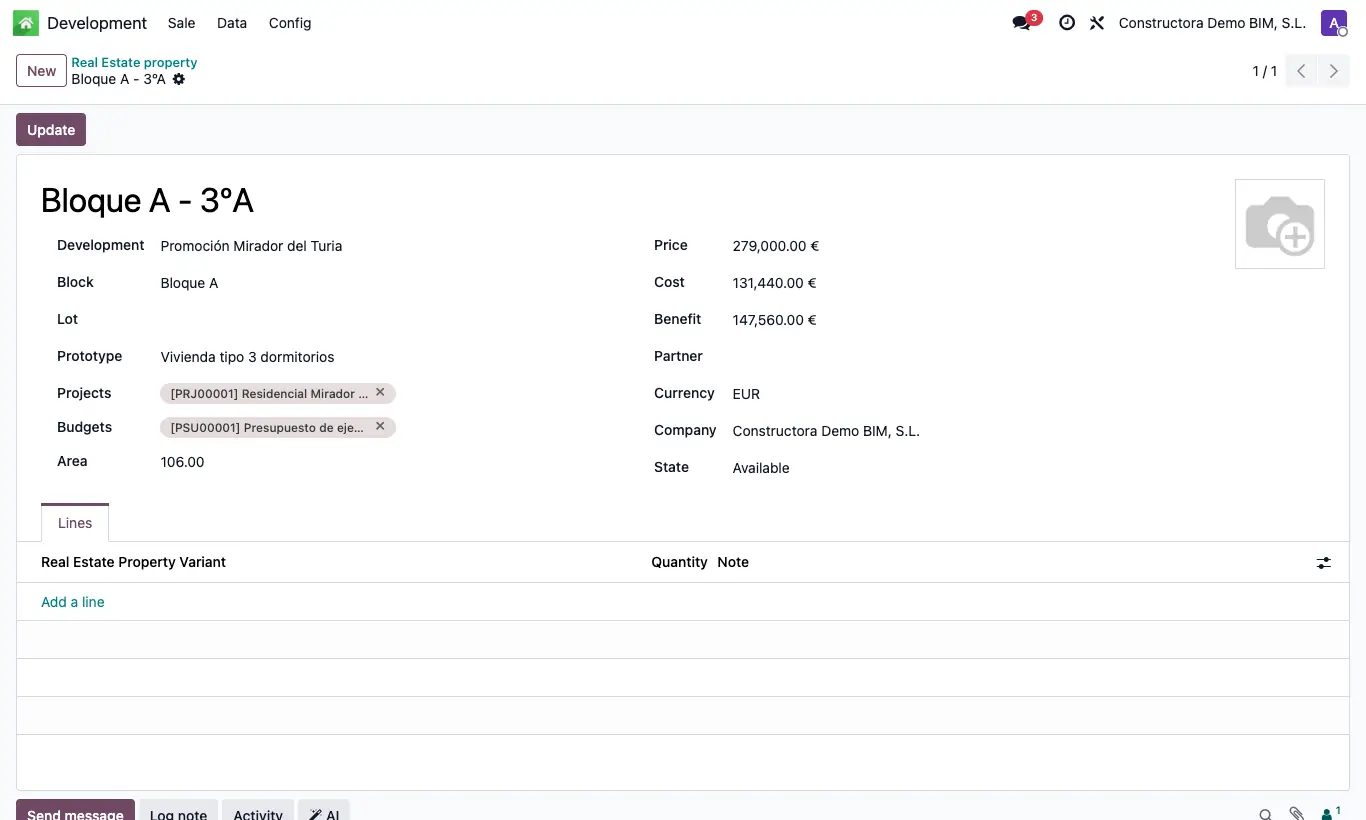
Steps
- Open the project's budget, Development tab, and in Properties choose the properties it builds.
- If an item only affects certain properties, open it and choose them in its Development tab.
- Open the property and click Update.
- The Cost adds up the expenses (invoices and journal entries that are not sales) and the cost of the attendances charged to those budgets and items, divided among the properties that share each one.
- The Benefit is the Price minus the Cost.
Warning
The calculation is not automatic: click Update each time you want to see up-to-date data.
The split is equal among the properties of the budget or item, not by floor area.