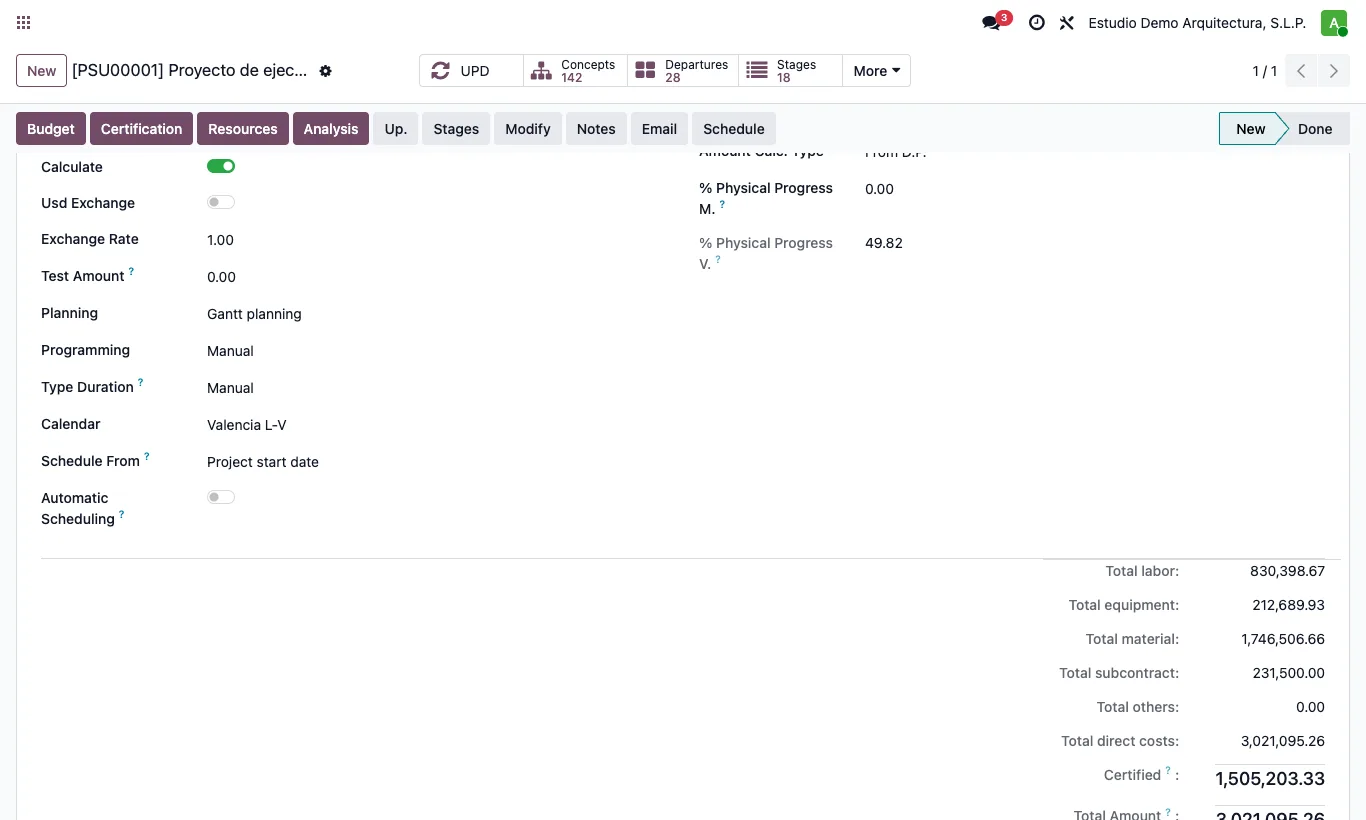
Where Budget › ST tab › Schedule From · Schedule button
Steps
- In the budget's ST tab choose Schedule From: Project start date or Project finish date.
- If you schedule from the finish, check the budget's End Date: it is the delivery date.
- Click Schedule in the budget header (or in the Gantt) and confirm.
- From the start, each item goes as early as possible; from the finish, as late as possible so as to end on the delivery date, and the project starts when needed.
Warning
Schedule moves the dates of every item. In the Gantt you can undo it before saving; from the budget form you cannot.
Site note
Started items do not move: their actual dates rule.