Where Budget › Gantt button
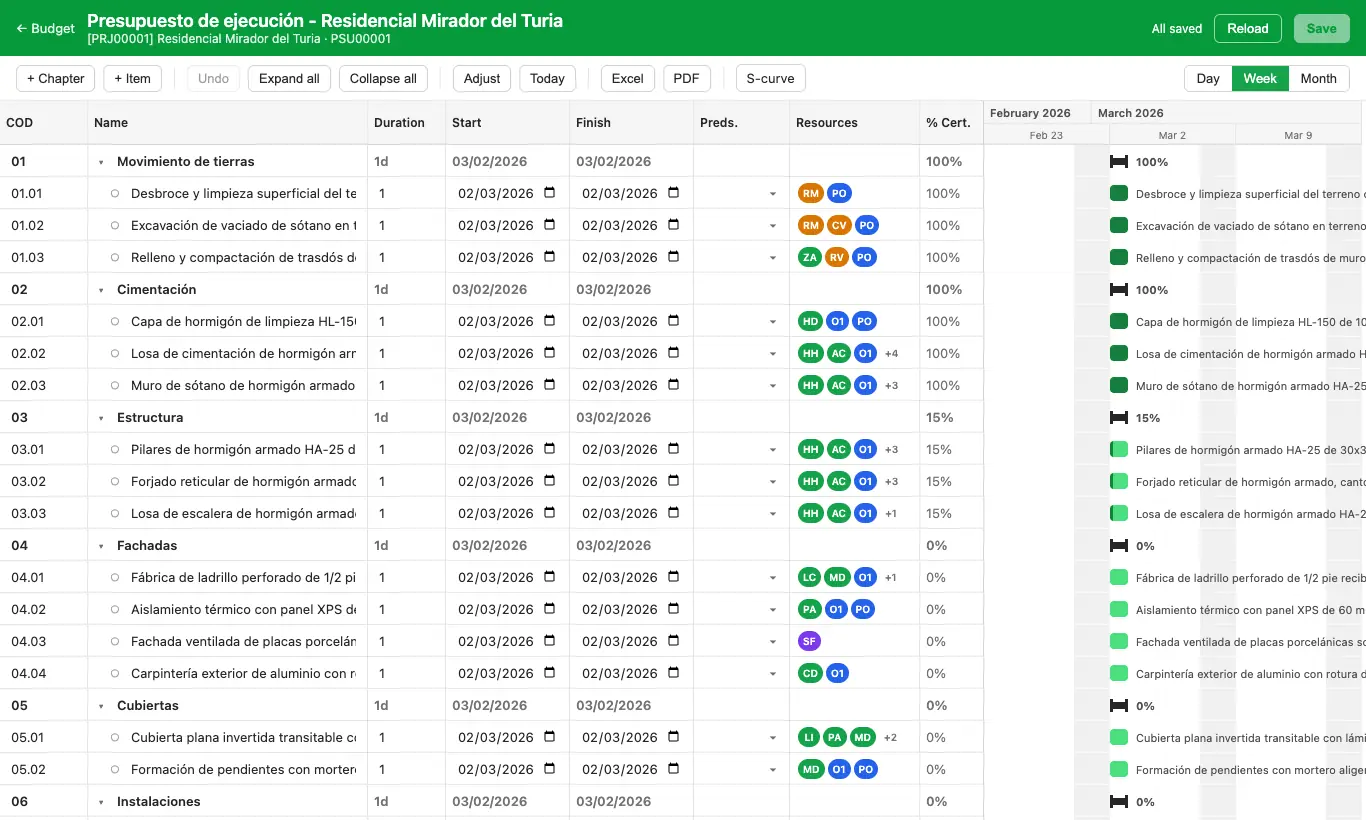
Steps
- In the budget's ST tab, check Type Duration: Date, Performance or Manual.
- Click the budget's Gantt button.
- Change durations, dates and predecessors in the table or by dragging the bars.
- Add concepts without leaving with + Chapter and + Item.
- Click Save at the top right.
Warning
Gantt changes are not applied until you click Save.
Adjust replaces the predecessors of all items. Use it only for a first schedule.
With Type Duration set to Performance and items without performance, durations come out as zero. If you only work with dates, choose Date.
Site note
Export the schedule with Excel or PDF, and change the scale with Day, Week, Month.