Where Bim Project › Template button
Before you start
BIM User profile.
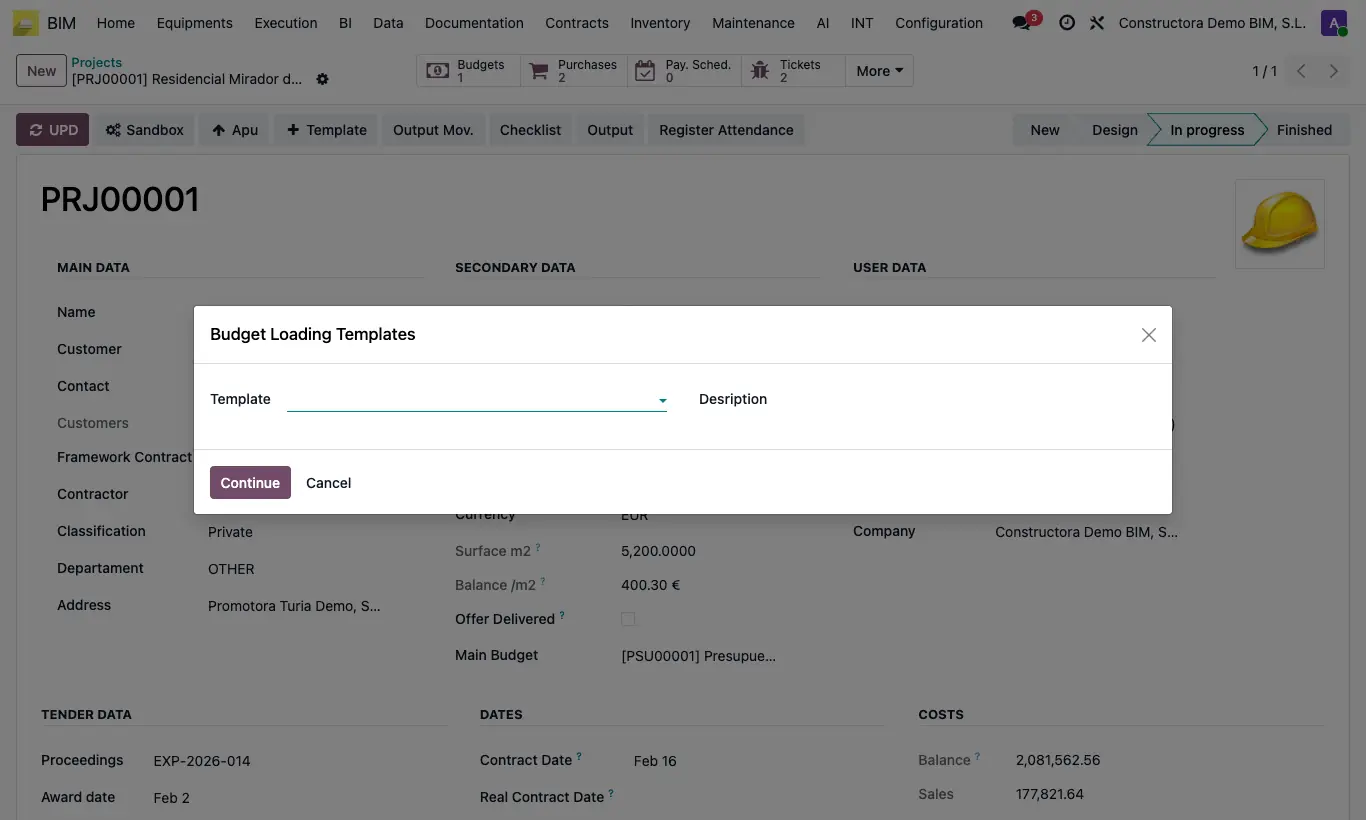
Steps
- Open the project that will receive the budget.
- Click Template in the header.
- In Budget Template, choose the budget you want to copy.
- Type the Desription the new budget will have.
- Click Continue: the new budget opens, already recalculated.
Site note
The copy comes out clean of certification: the stages are removed from the measurements, and the certified percentages, quantities and amounts are removed from the items.
It is the fastest way to reuse a standard budget (detached house, warehouse, bathroom renovation...) in new projects.