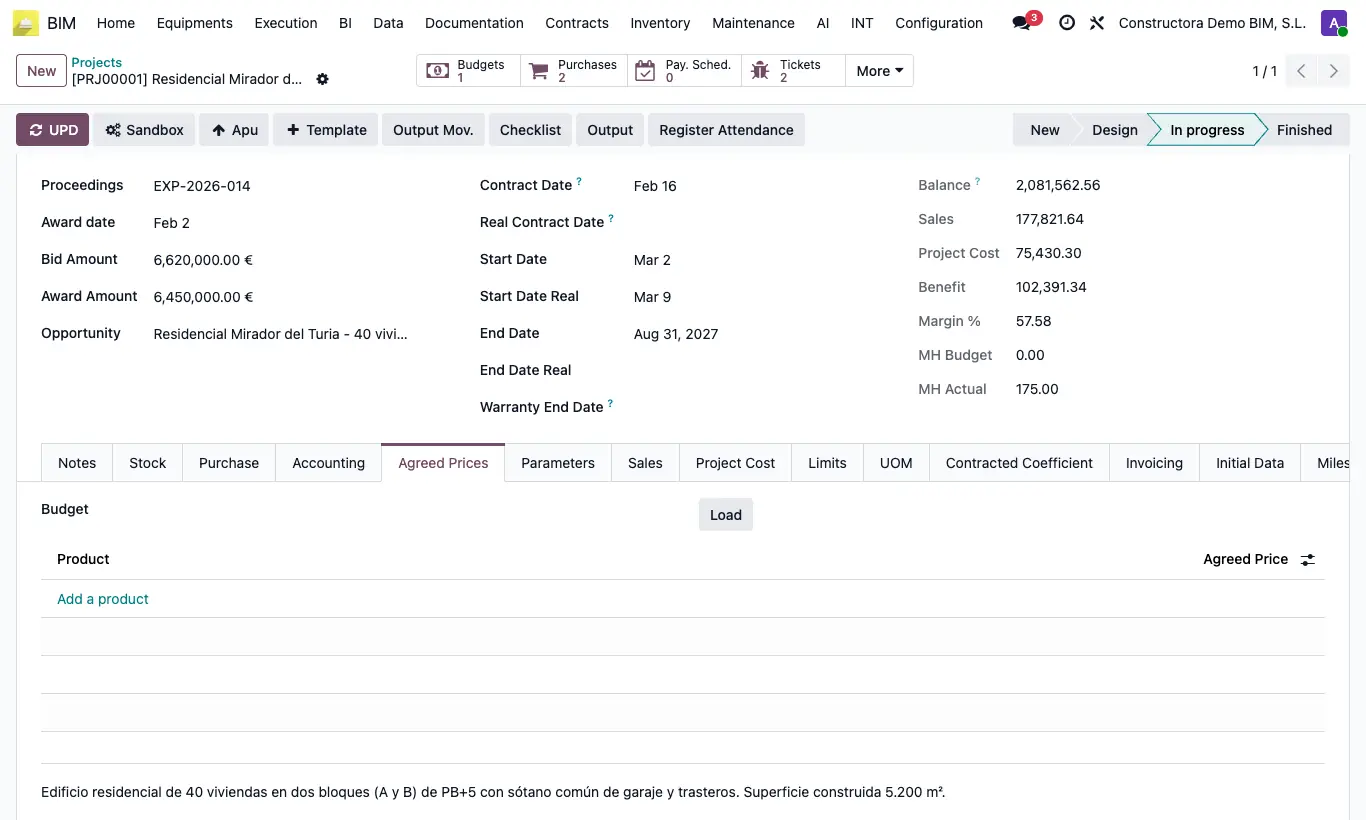
Where Bim Project › Agreed Prices tab
Steps
- Open the project and go to the Agreed Prices tab.
- Click Add a product, choose the Product and write its Agreed Price.
- Or choose a Budget of the project and click Load to copy the prices its resources already have.
- From then on, when you choose that product in a resource of any budget of the project, the agreed price is used.
- To apply them to a budget that is already done, in the budget click Up. and choose Update massive concepts according to agreed prices.
Warning
Load first deletes any list of agreed prices that existed.
Load only copies resources of type MATERIAL and EQUIPOS. Add labor by hand.
With no budget chosen, Load warns: You must select a budget to load the agreed prices.