Where Contact › BIM Portal tab
Before you start
The contact must have a tax ID or email and be the Customer of their projects.
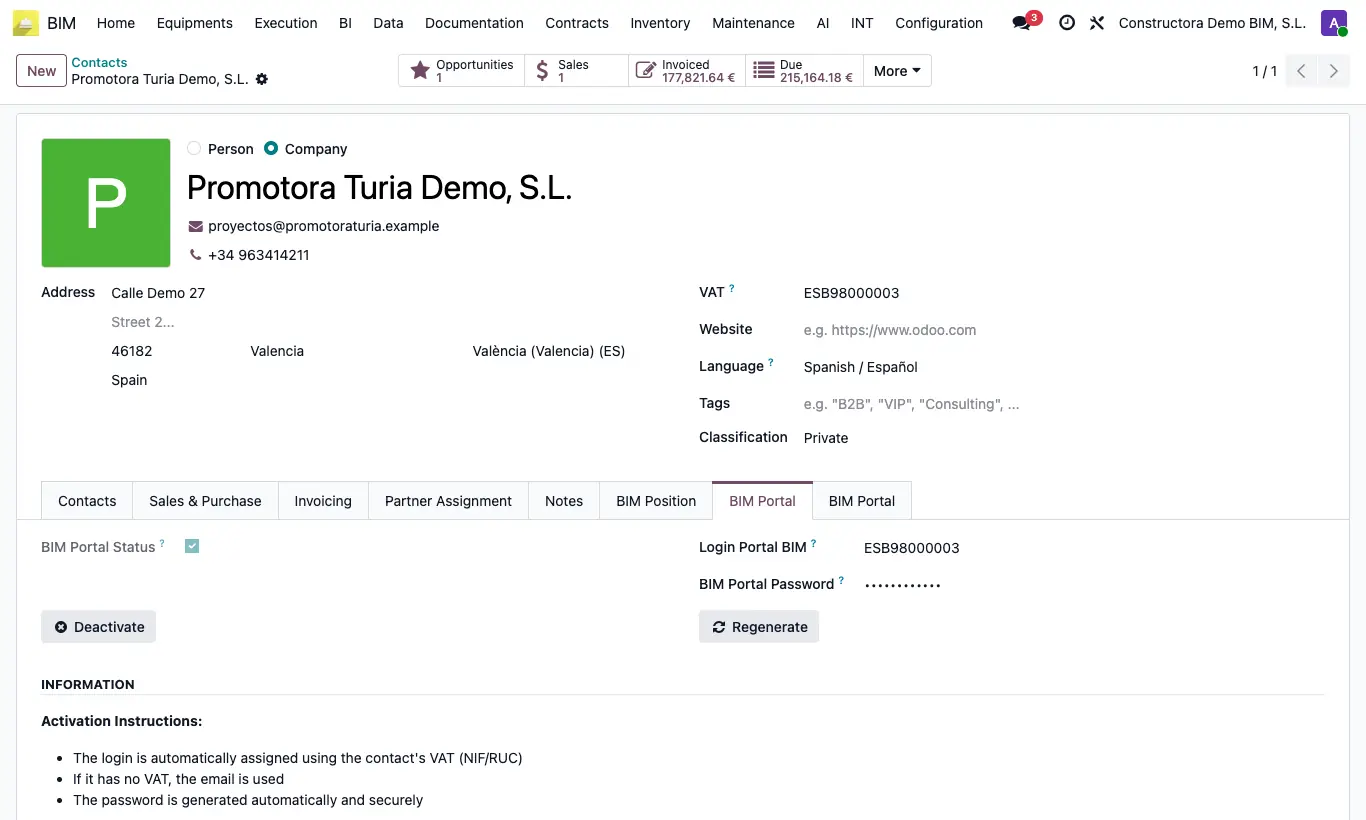
Steps
- Open the customer's contact and go to the BIM Portal tab.
- Click Activate.
- Note the login and password from the message that appears. The login is their tax ID or, if they have none, their email.
- Send them the access at the /portal/bim/login address of your Odoo.
- If they forget the password, click Regenerate and send them the new one.
- To cut off access, click Deactivate.
Warning
Without a tax ID or email the error "The contact must have a VAT or an email to activate the BIM Portal" appears.
They will only see the projects where they appear as Customer on the project record.
Site note
From the portal the customer can approve or reject documents and budgets, open tickets and upload proofs of payment.