Where BIM › Data › Generals › Checklist Template
Steps
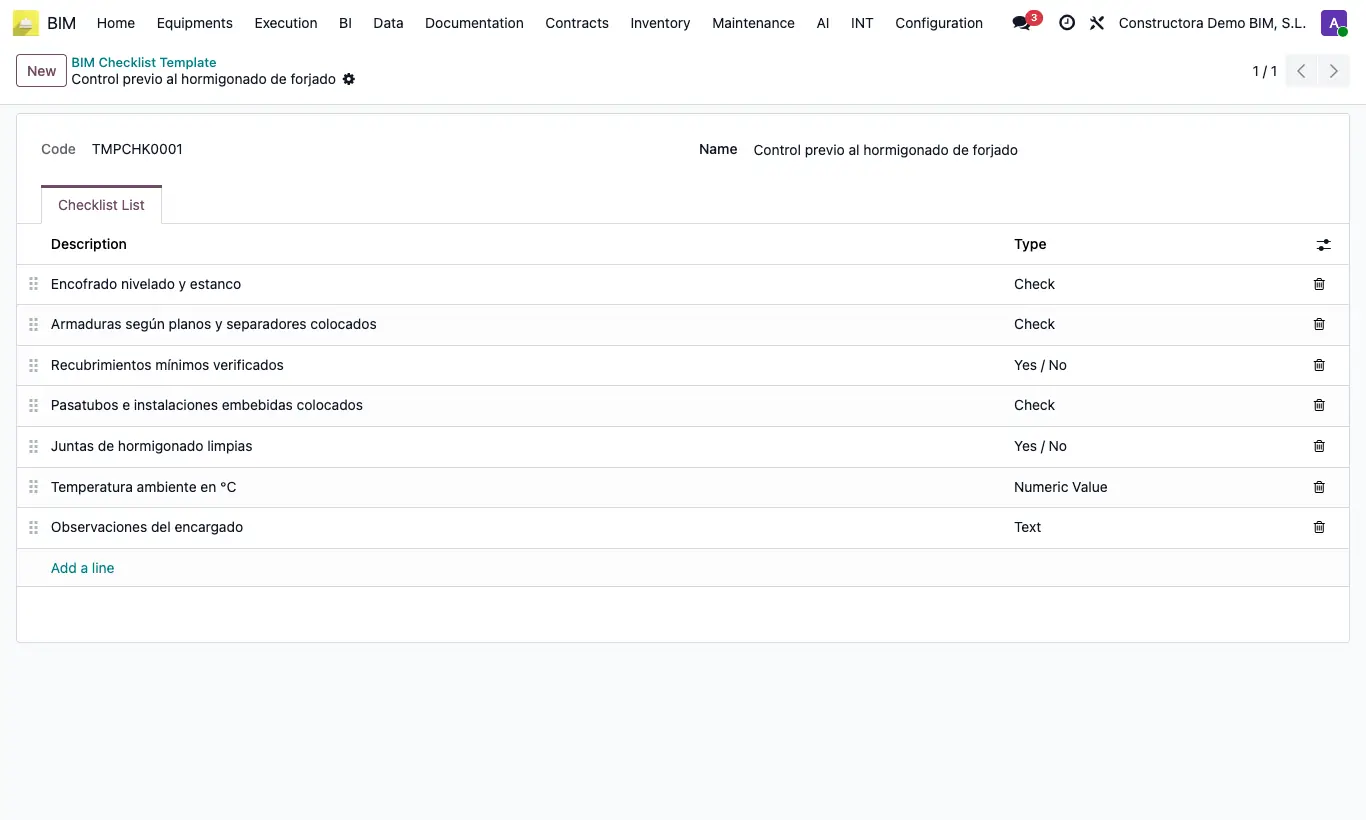
- Go to BIM › Data › Generals › Checklist Template and click New.
- Enter the template Name (for example, “Slab handover”).
- In the Checklist List tab add one line per check and enter its Description.
- Choose the Type of each line: Check, Yes / No, Text or Numeric Value.
- Sort the lines by dragging them and save.
Site note
The type decides how it is filled in on site: Check and Yes / No are ticked with a checkbox; Text and Numeric Value are typed into Value.
The list can be exported to Excel from the lines table itself.